
Press kit
Everything needed to write about Skinny Scanning: the facts, the icon, real screenshots and videos of the app, and a few notes on wording. Questions go to the address at the bottom of the page.
Fact sheet
- Name
- Skinny Scanning (formerly SkinnyScan)
- What it is
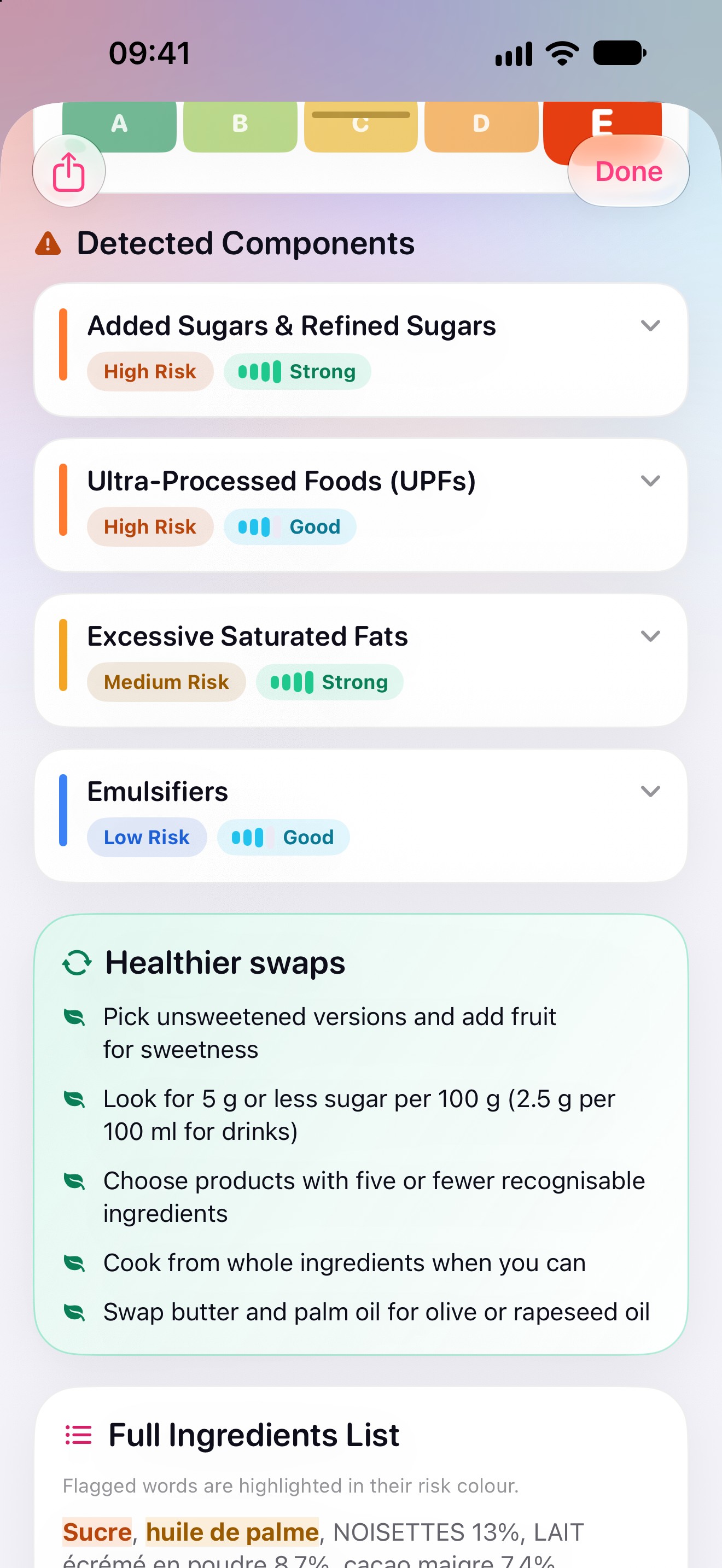
- An educational food scanner. It reads a product's barcode, or recognises the foods in a photo of a meal on the device, and shows which ingredients research links to weight gain, with the study behind each one and two healthier swaps. It is not a calorie counter: there is no diary and nothing to count.
- Platforms
- iPhone (including iPhone Duo book mode), iPad and Apple Watch, on the App Store.
- Android and Wear OS
- An Android version for phones, tablets, foldables and Wear OS is in preparation for Google Play. It is not available yet.
- Version
- 2.0. Its release on the App Store is pending; until Apple releases it, the App Store page can still show the previous version.
- Price model
- A subscription (Skinny Scanning Pro, monthly or yearly, sold by Apple) that starts with a 3-day free trial for eligible accounts. The App Store shows the price in each country's currency.
- Languages
- The app: more than ninety languages, with right-to-left layouts for Arabic, Hebrew and Yiddish. This website: 108 languages.
- Privacy
- No account, no ads, no analytics, no tracking. Scan history, progress and settings stay on the device. Meal photos are recognised on the device and never uploaded. The only thing the app sends over the internet is the barcode number of a scanned product, to look it up in Open Food Facts.
- Data and research
- Product data from Open Food Facts (ODbL). Every claim in the app links to its study; the references were checked against their DOI, PubMed record and abstract.
- Developer
- LyteFast (LYTEFAST, 60 rue François Ier, 75008 Paris, France)
- App Store
- apps.apple.com/app/id6801545293
- Website
- skinnyscanning.com (108 languages)
App icon

The Skinny Scanning 2.0 icon, from the owner's artwork. Please show it unaltered, without extra borders or effects.
Short description
Skinny Scanning is an educational food scanner for iPhone, iPad and Apple Watch. Scan a barcode or point the camera at a plate, and it shows the ingredients research links to weight gain, the study behind each one and two healthier swaps: one Wellness Score, three traffic lights, no calorie counting.
Long description
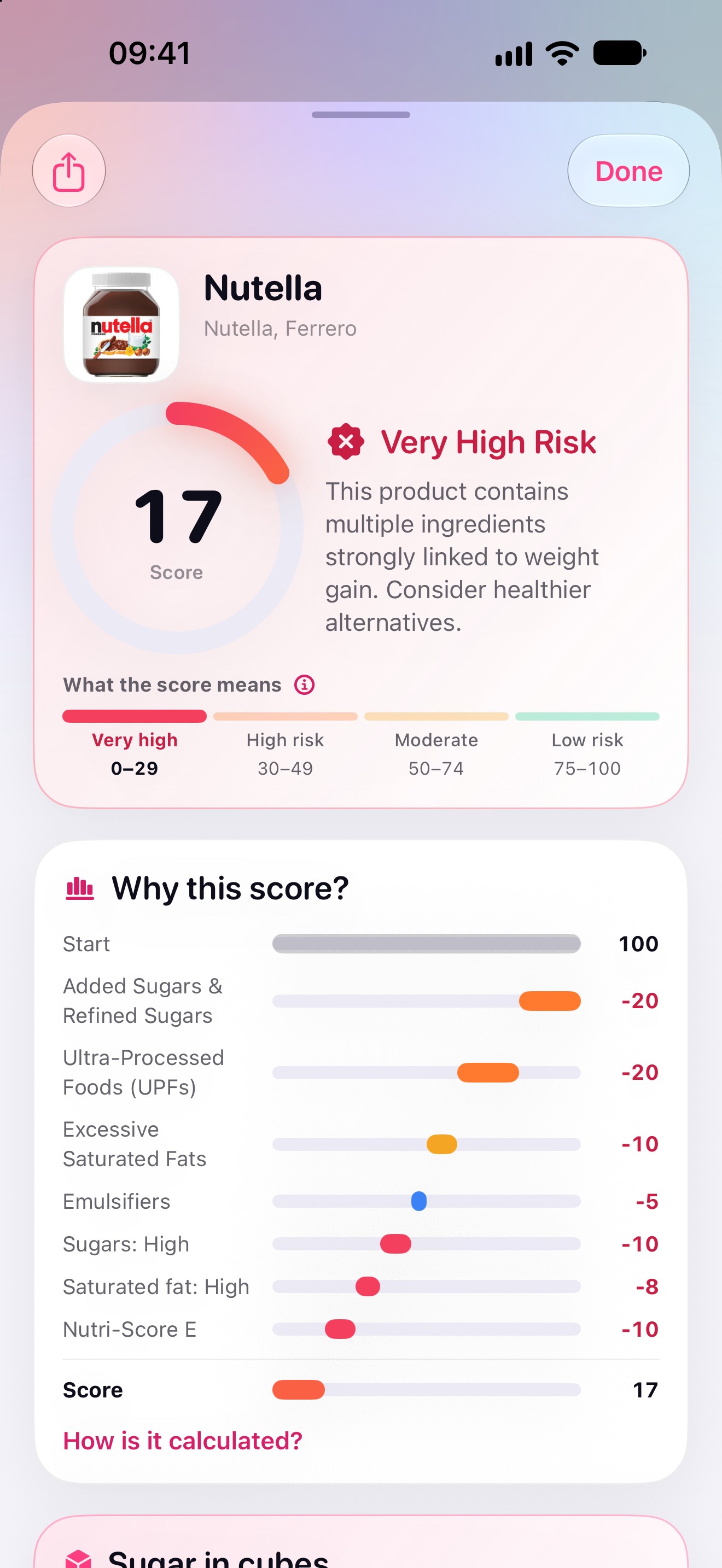
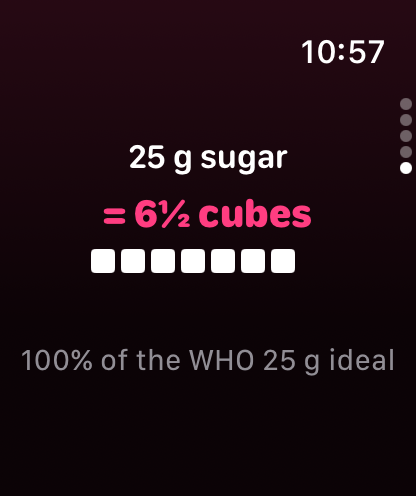
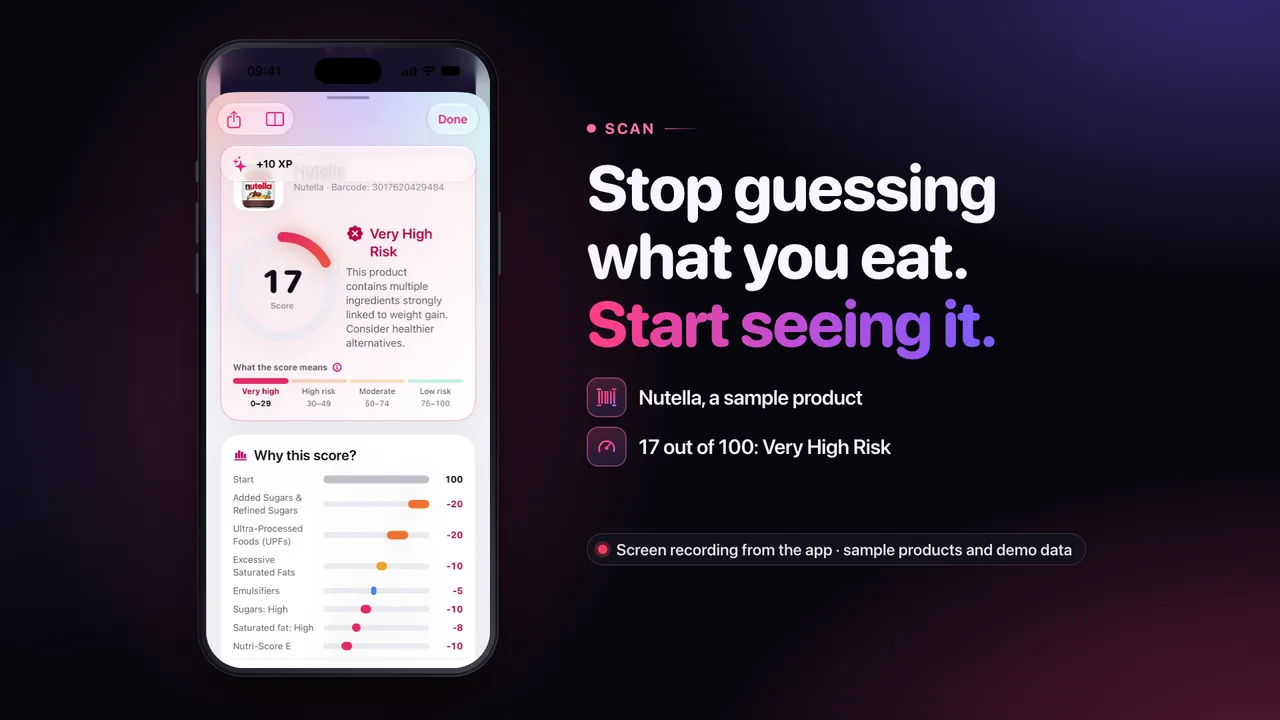
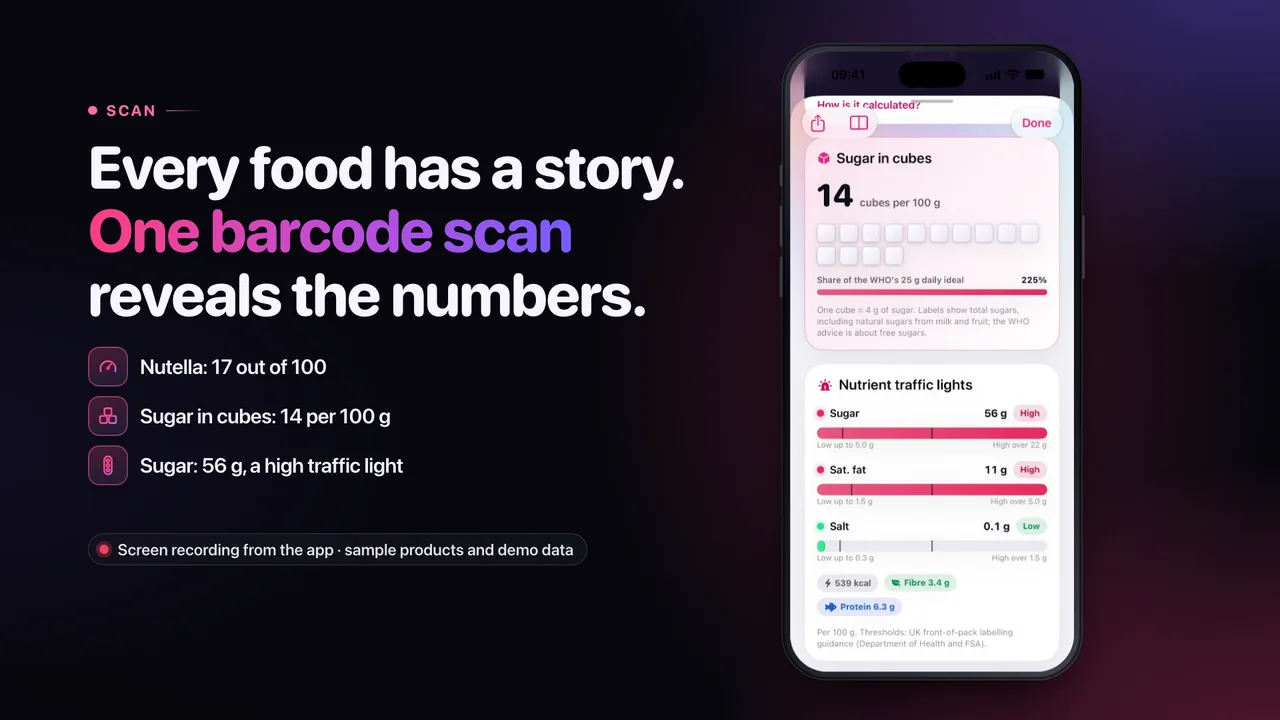
Skinny Scanning starts from one idea: you can't change what you don't understand. Instead of counting calories, it shows what is in a product or a meal and how strongly research links each ingredient to weight gain. Every scan starts at 100; each flagged ingredient costs points in proportion to the strength of the evidence, and measured sugar, saturated fat and salt and the product's Nutri-Score adjust the result. Sugar, saturated fat and salt also get traffic lights with the UK Food Standards Agency's front-of-pack thresholds.
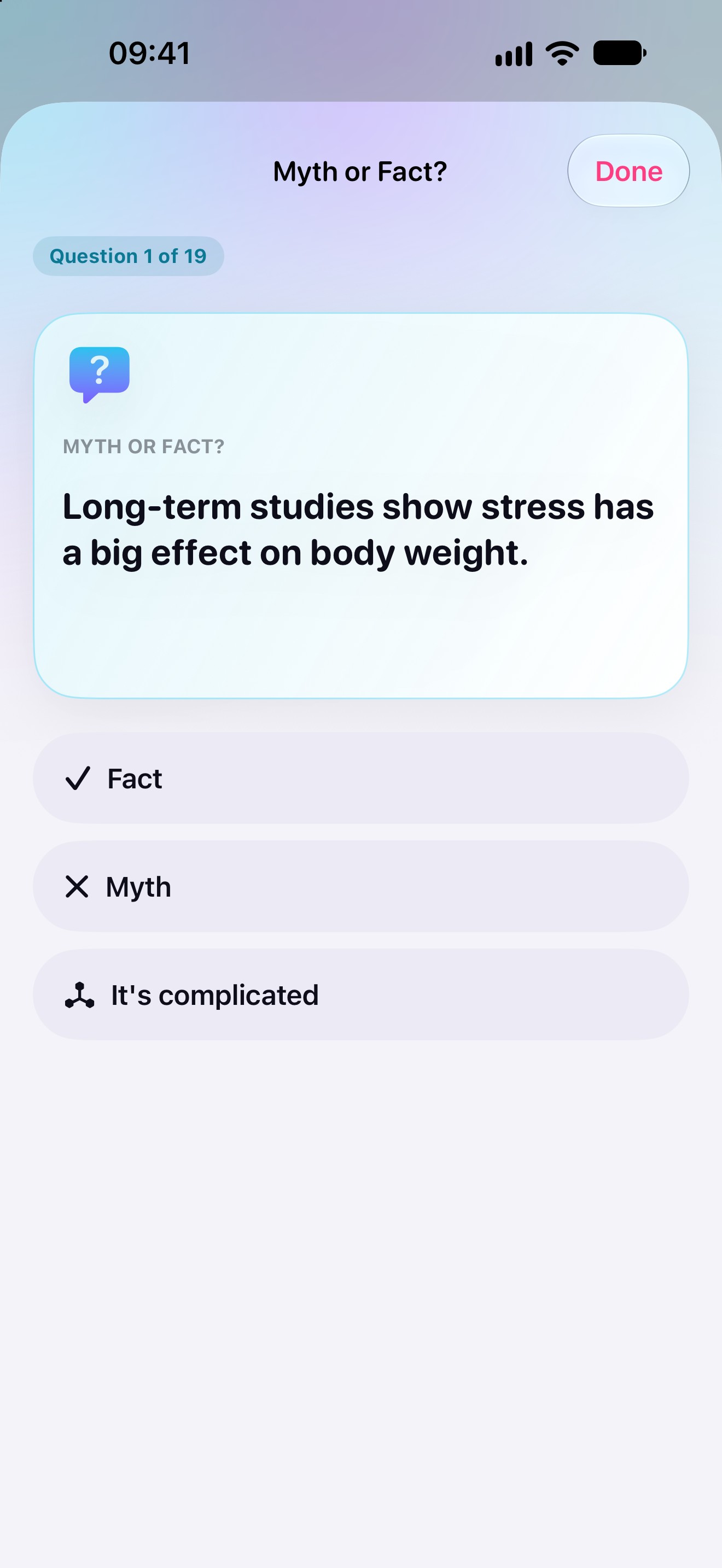
Product data comes from Open Food Facts. Meal photos are recognised on the iPhone with Apple's on-device image classifier: the app names the food groups it sees and never estimates calories or portions from a photo. Twelve components are on its watchlist, from sugar-sweetened drinks and trans fats to emulsifiers, each with verified references, including studies that found no effect.
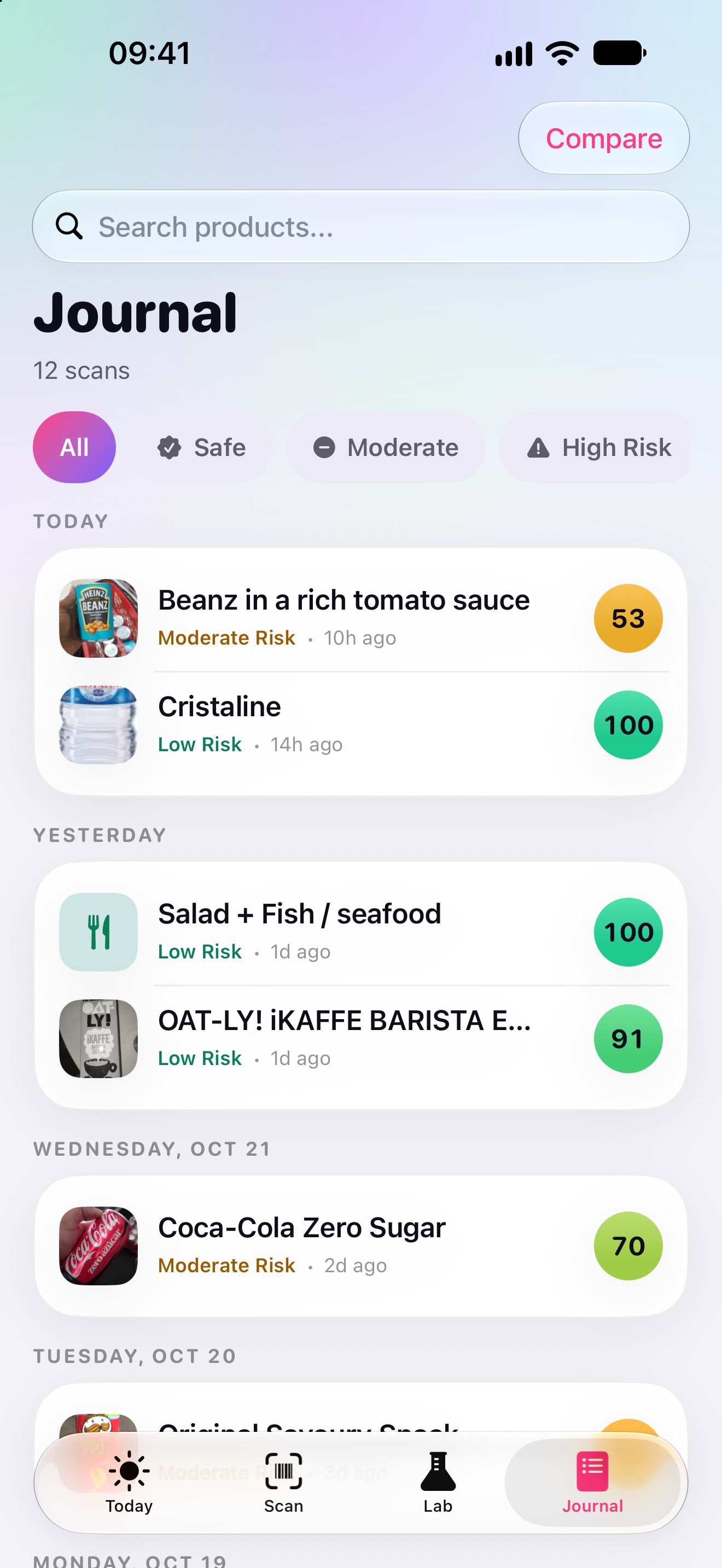
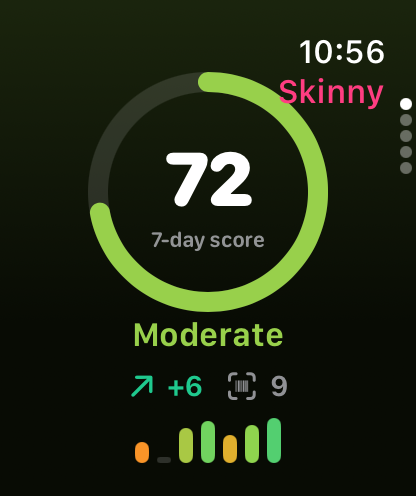
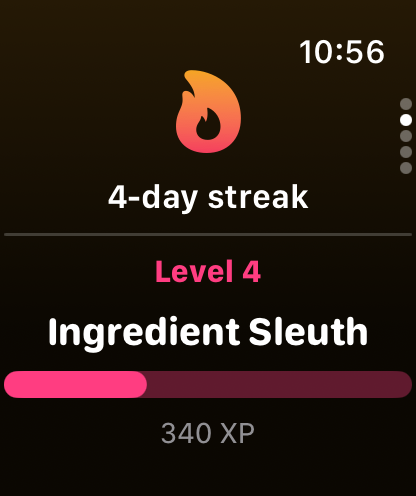
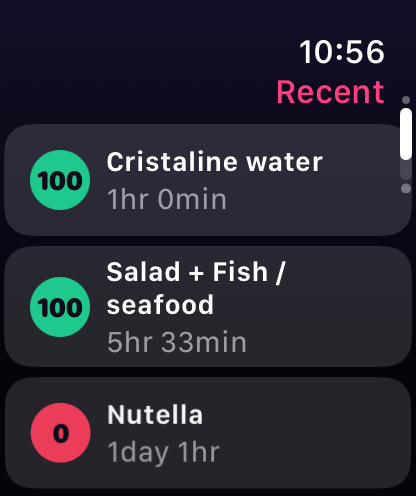
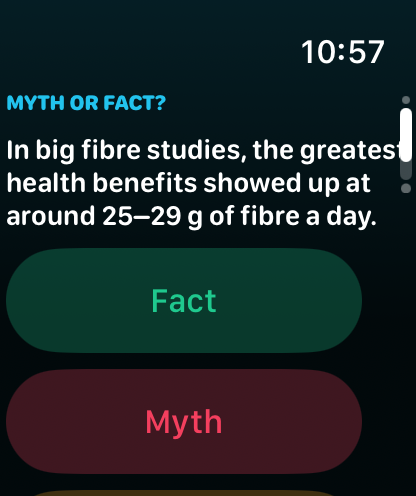
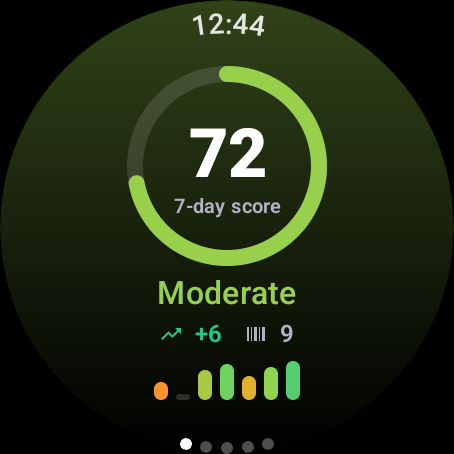
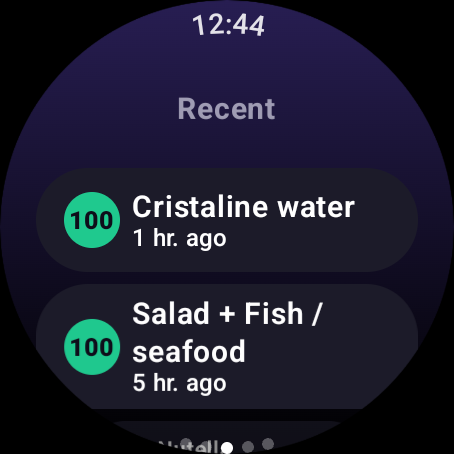
A Lab with a 19-question Myth or Fact quiz and five explainers, a Journal with history and side-by-side comparison, and an Apple Watch app with the week's score complete the app. There is no account, no ads and no tracking: what you scan stays on your device. Skinny Scanning is educational information, not medical advice.
Screenshots
Real screenshots of Skinny Scanning 2.0 (build 12), captured in the iOS simulators from the store-screenshot pipeline, unframed, in English, with demo data (sample products, not a real person's history). The Android and Wear OS screens come from the Android version that is in preparation.
iPhone
-
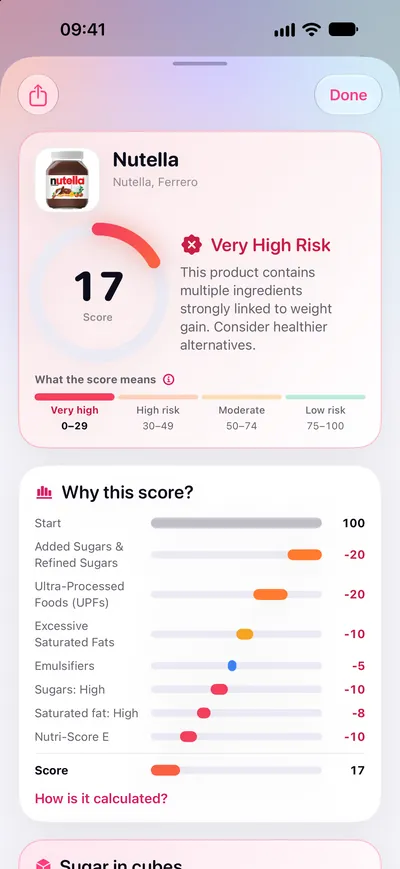
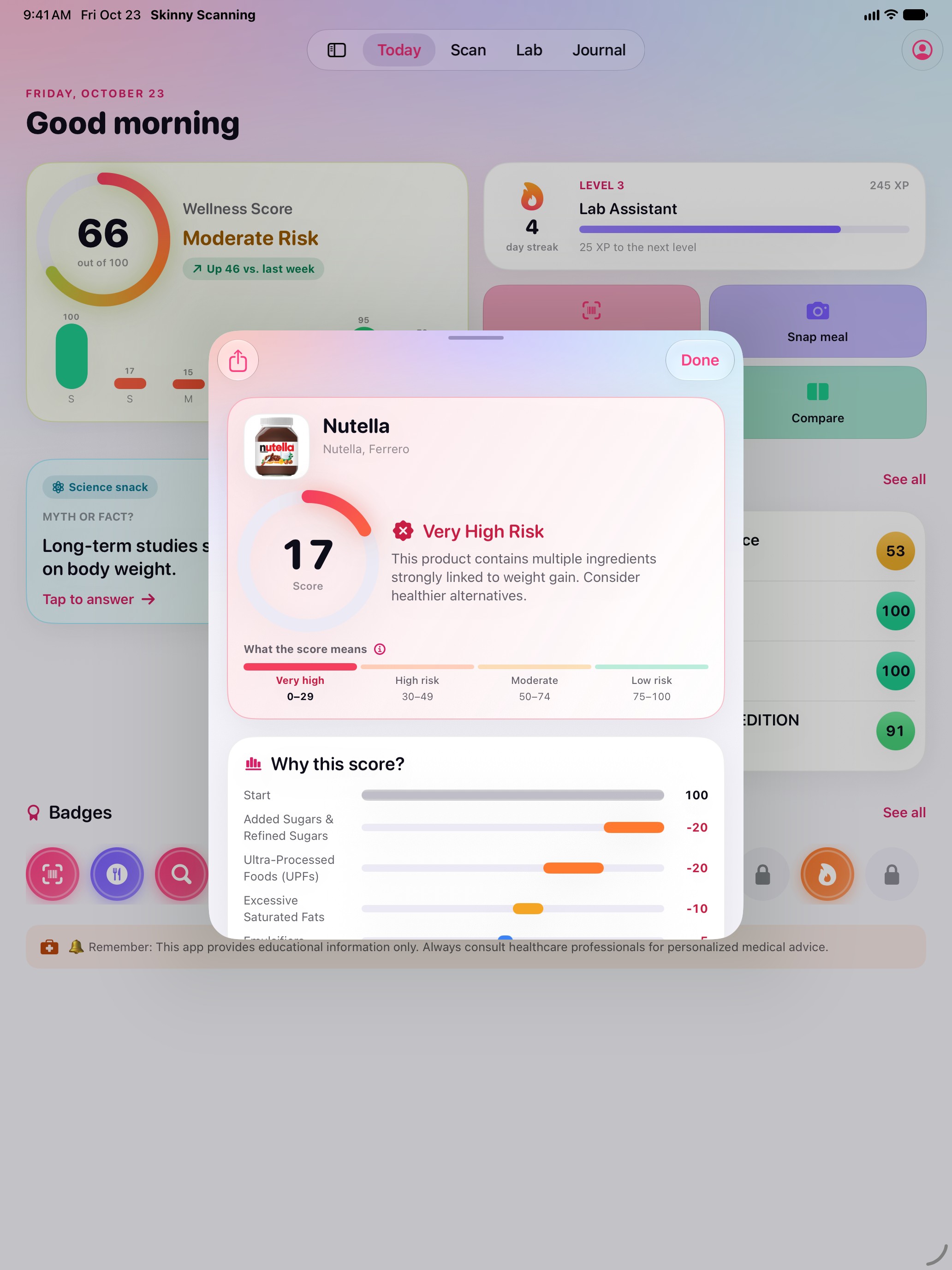
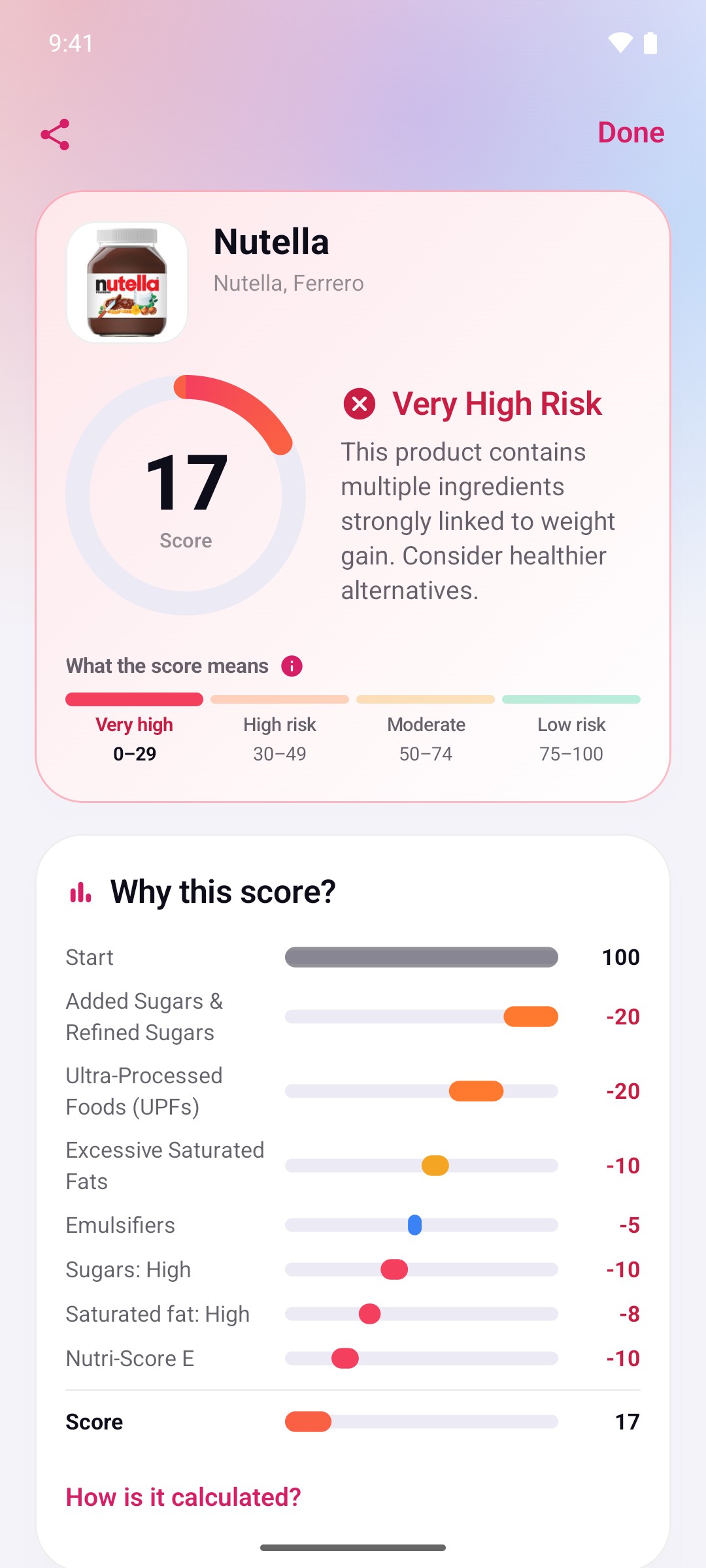
A result, step by step1320 × 2868, JPEG, 0.3 MB -
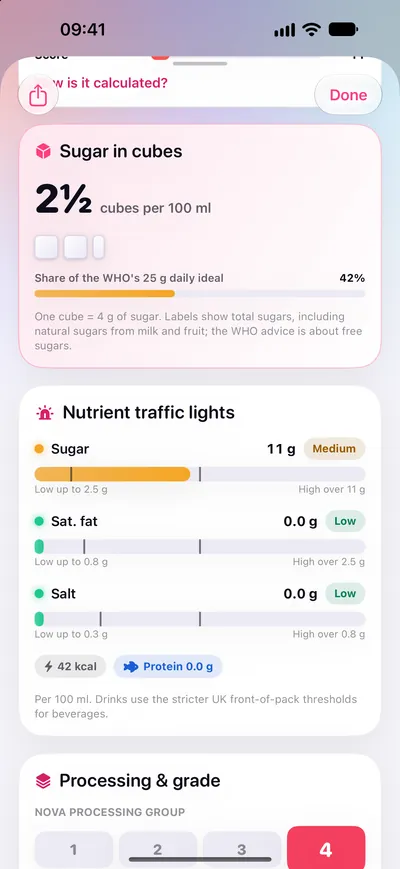
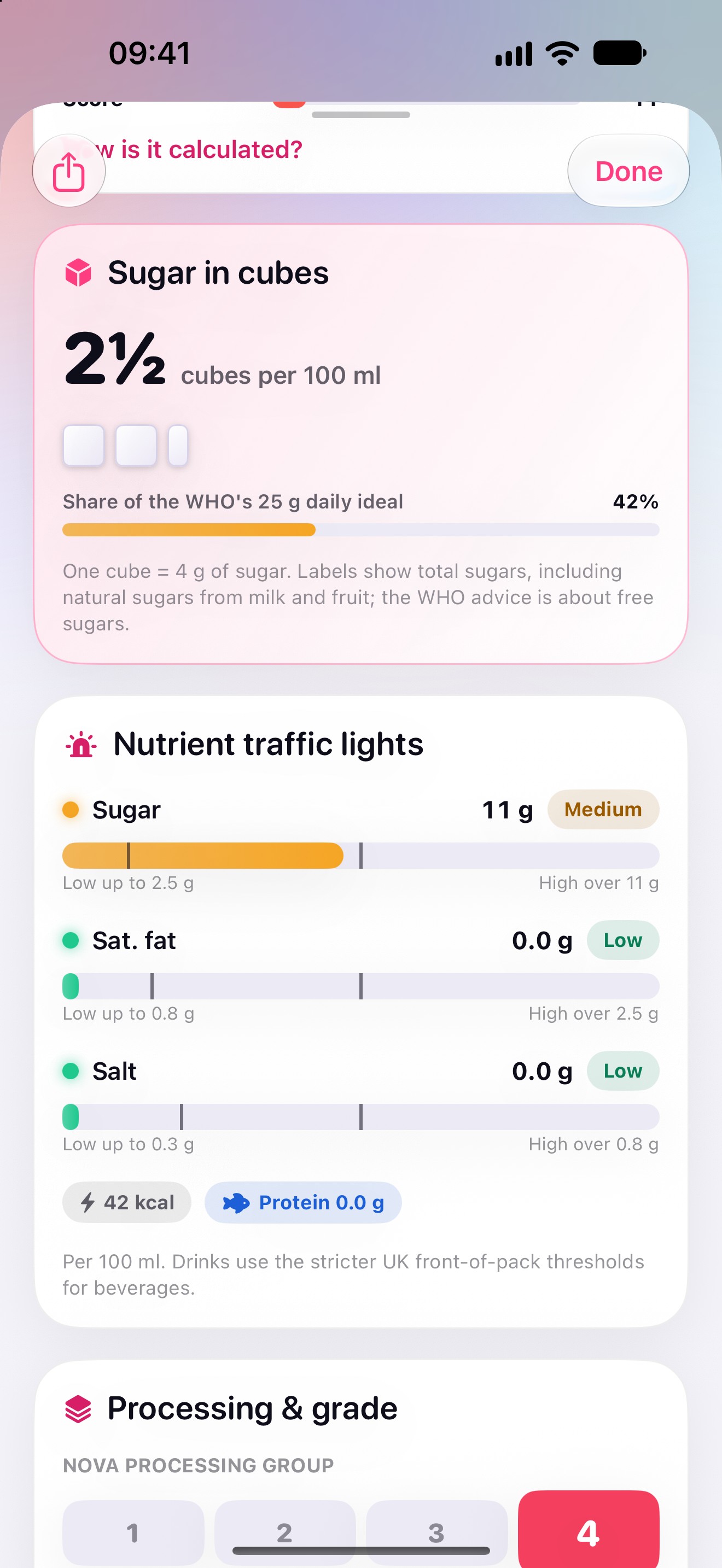
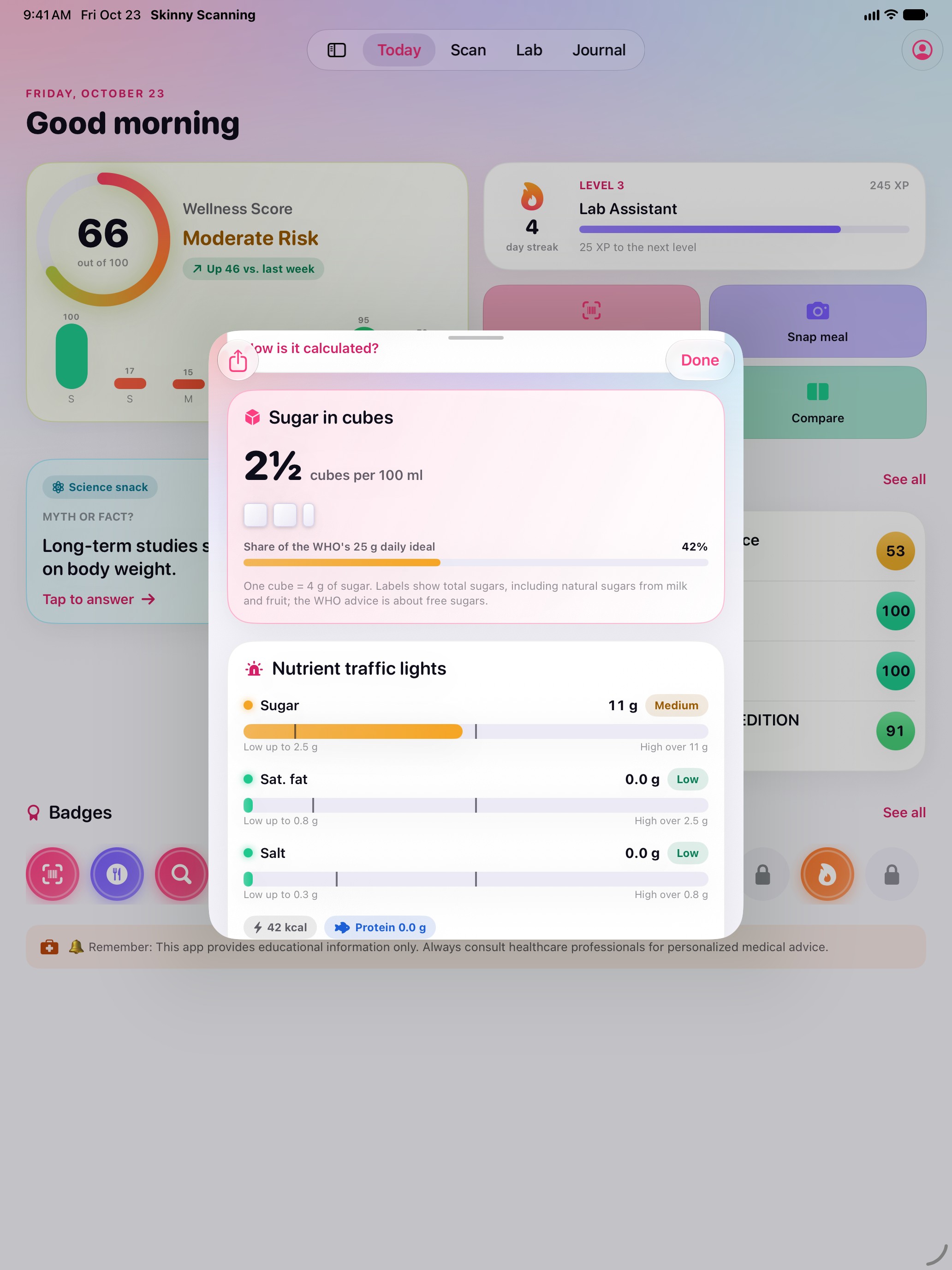
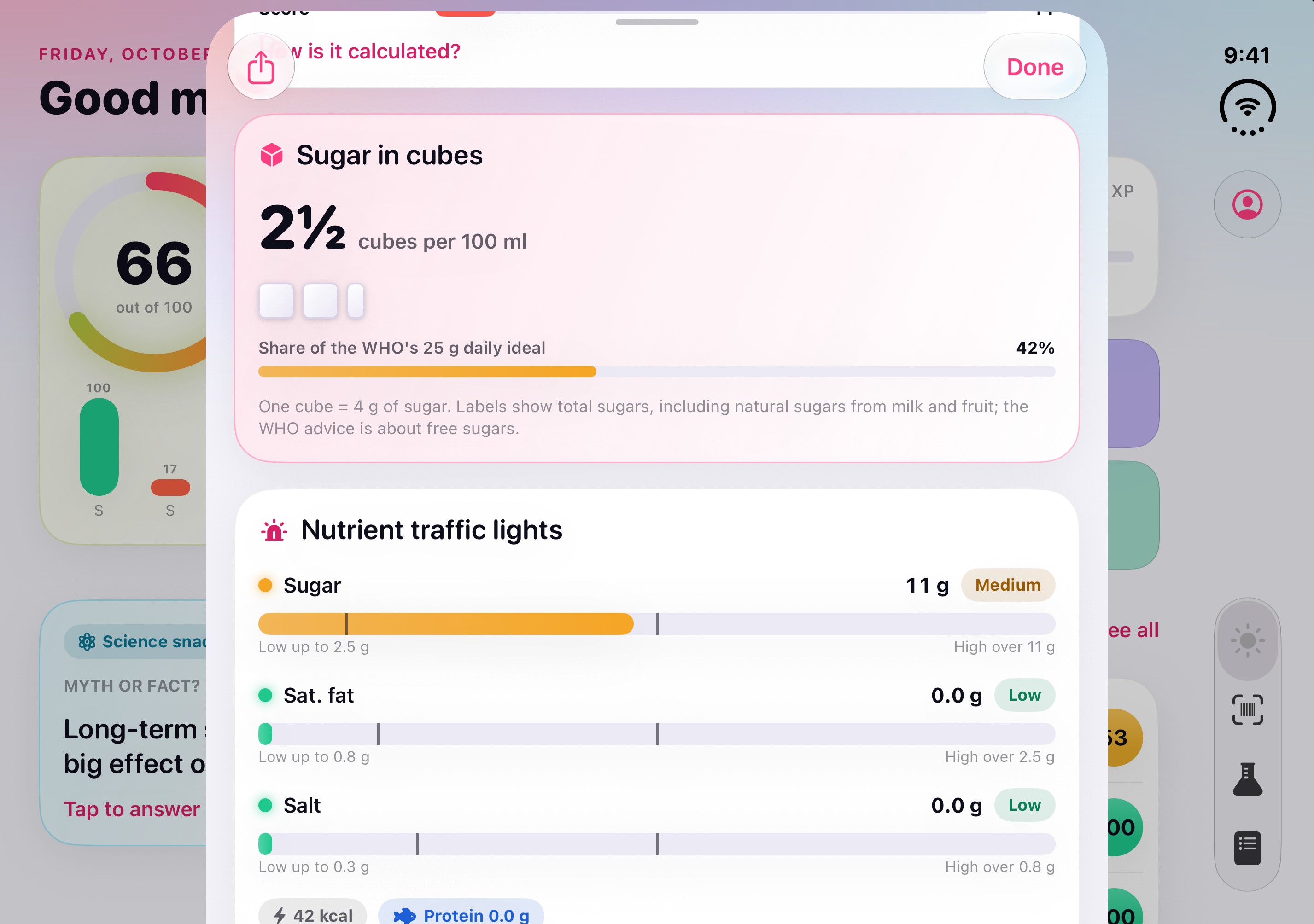
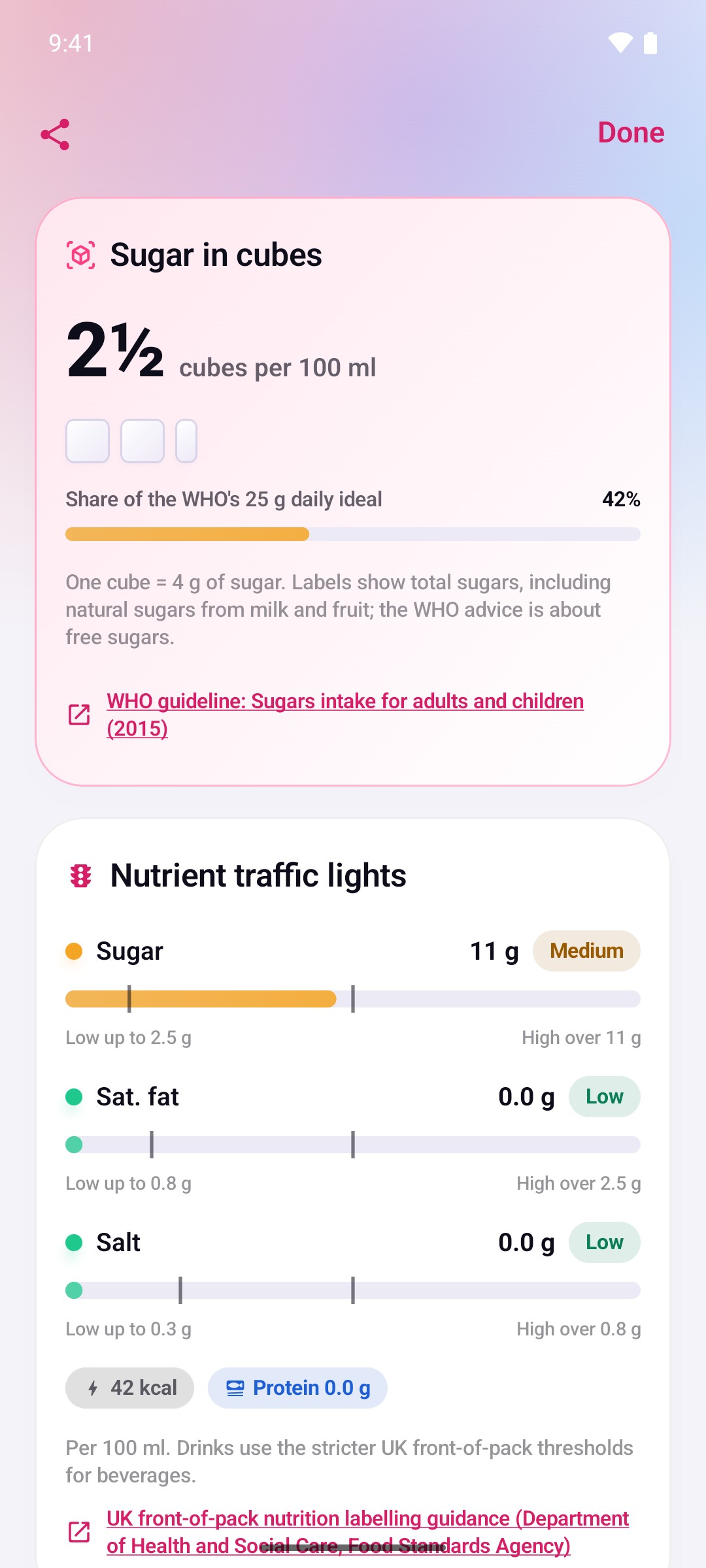
Sugar in cubes, and the traffic lights1320 × 2868, JPEG, 0.3 MB -
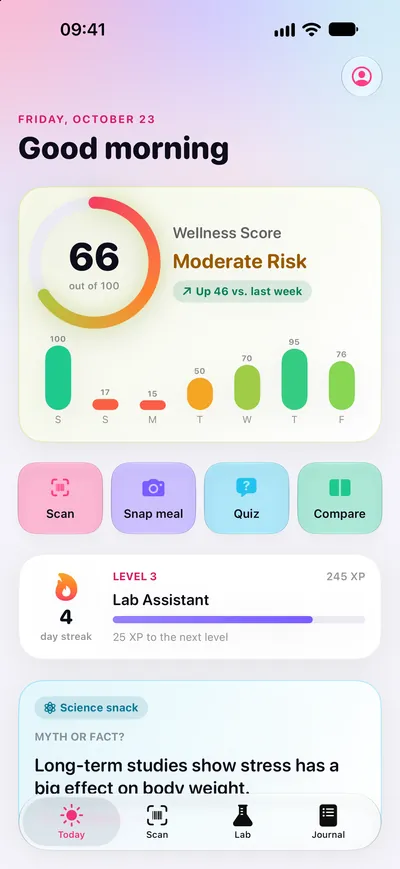
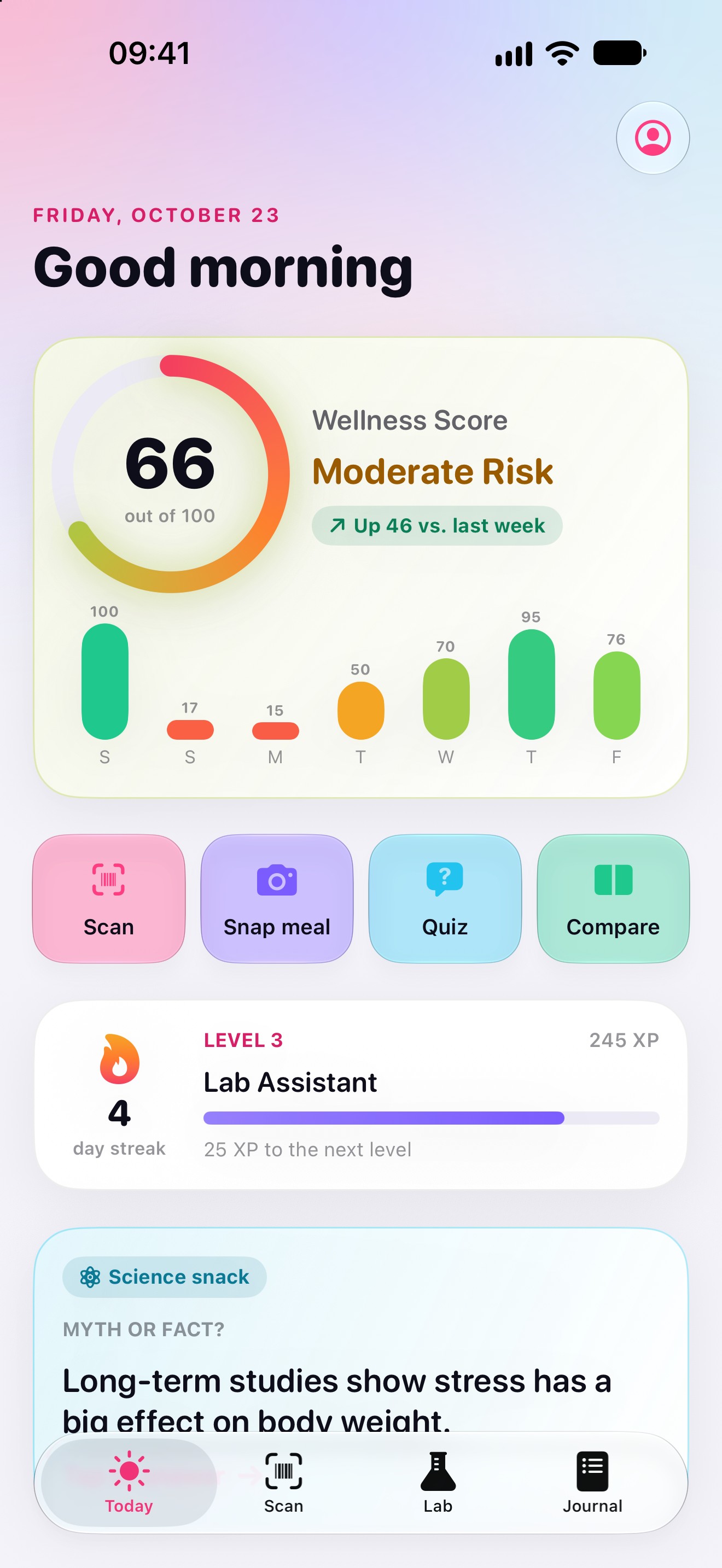
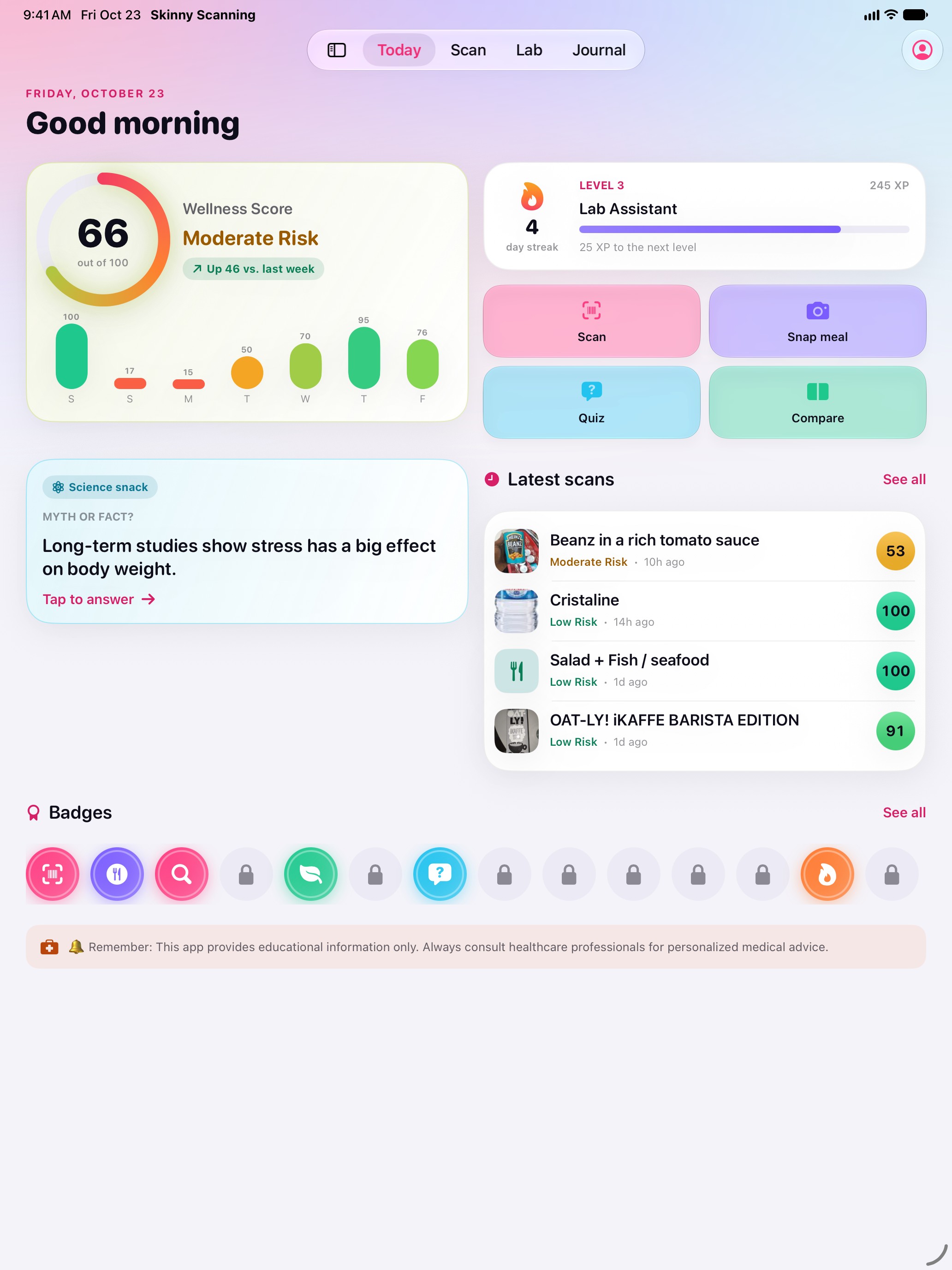
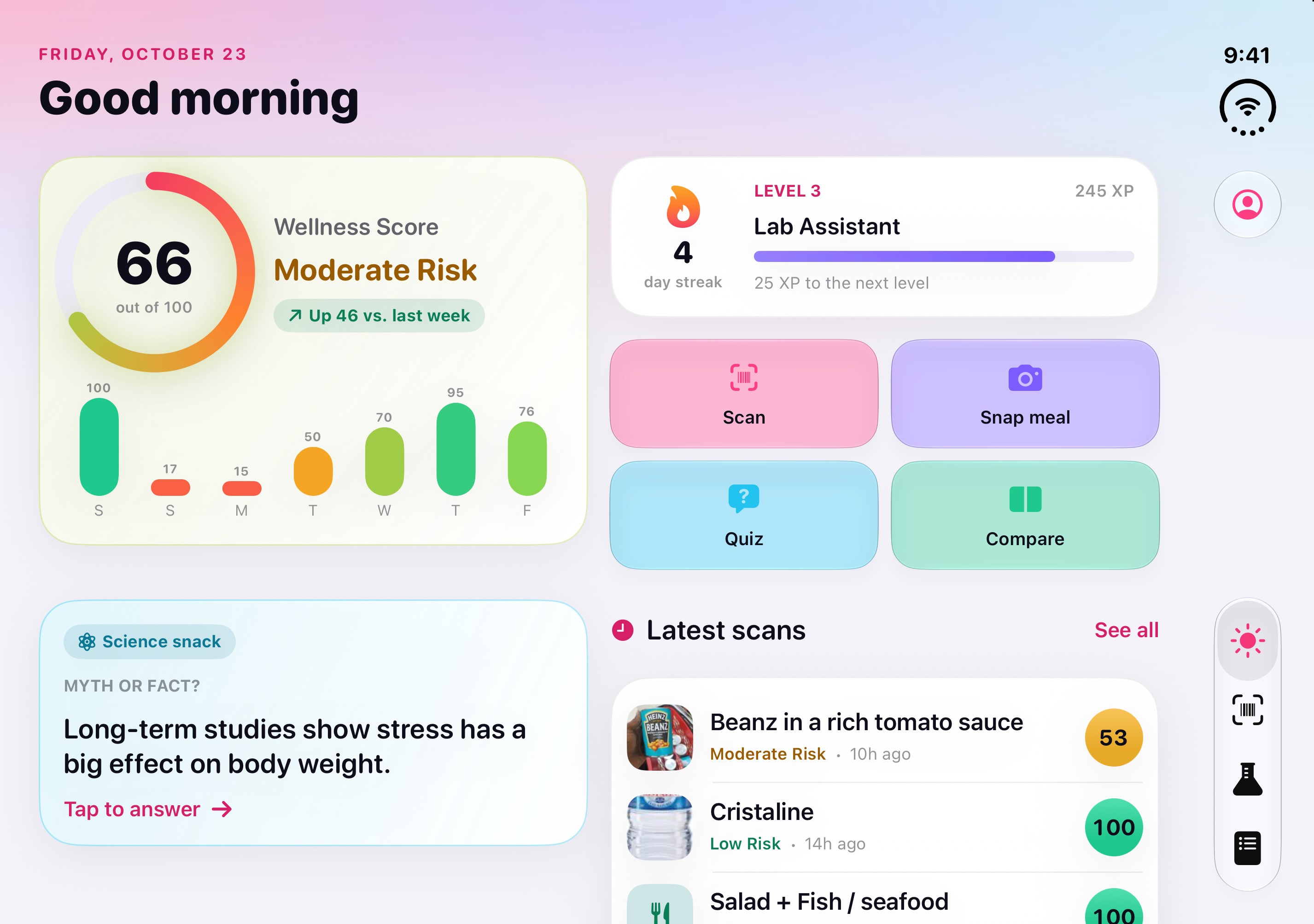
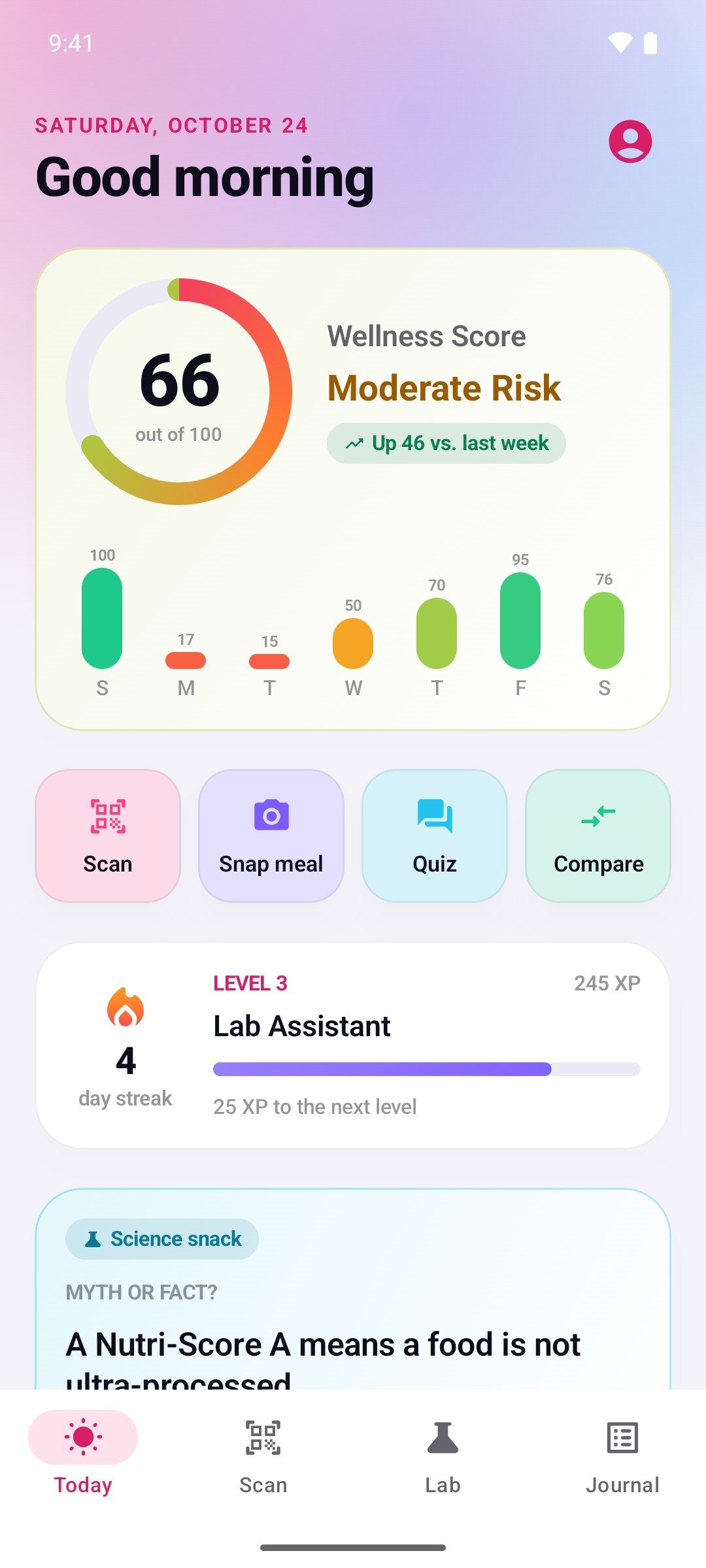
Today: your seven-day score1320 × 2868, JPEG, 0.3 MB -
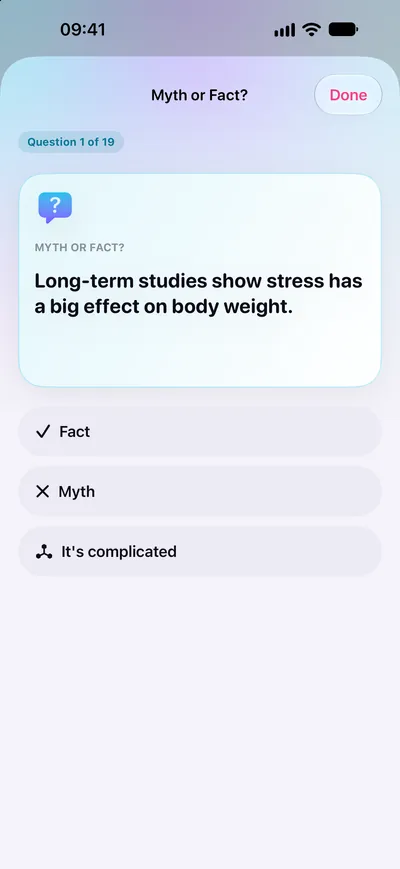
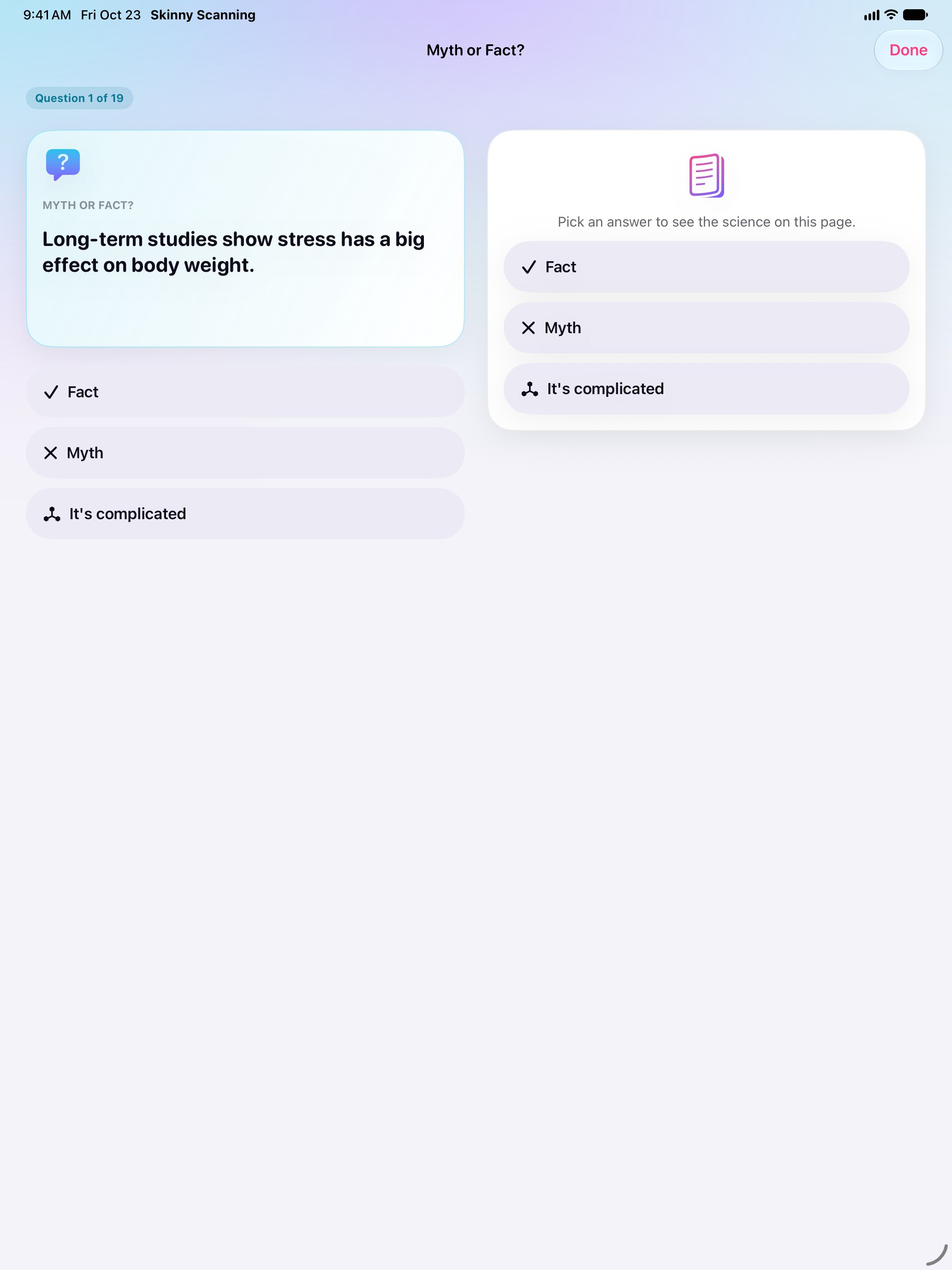
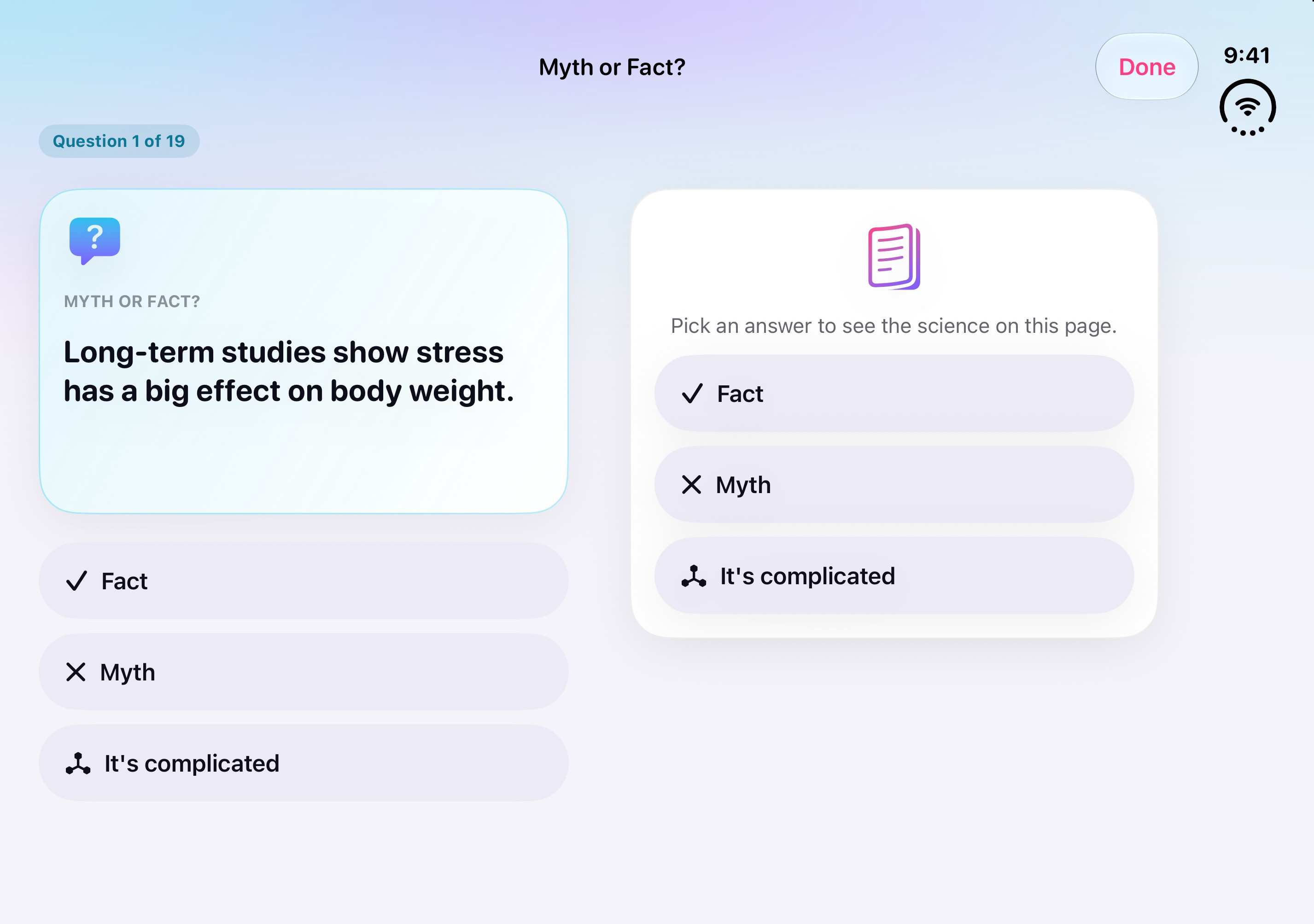
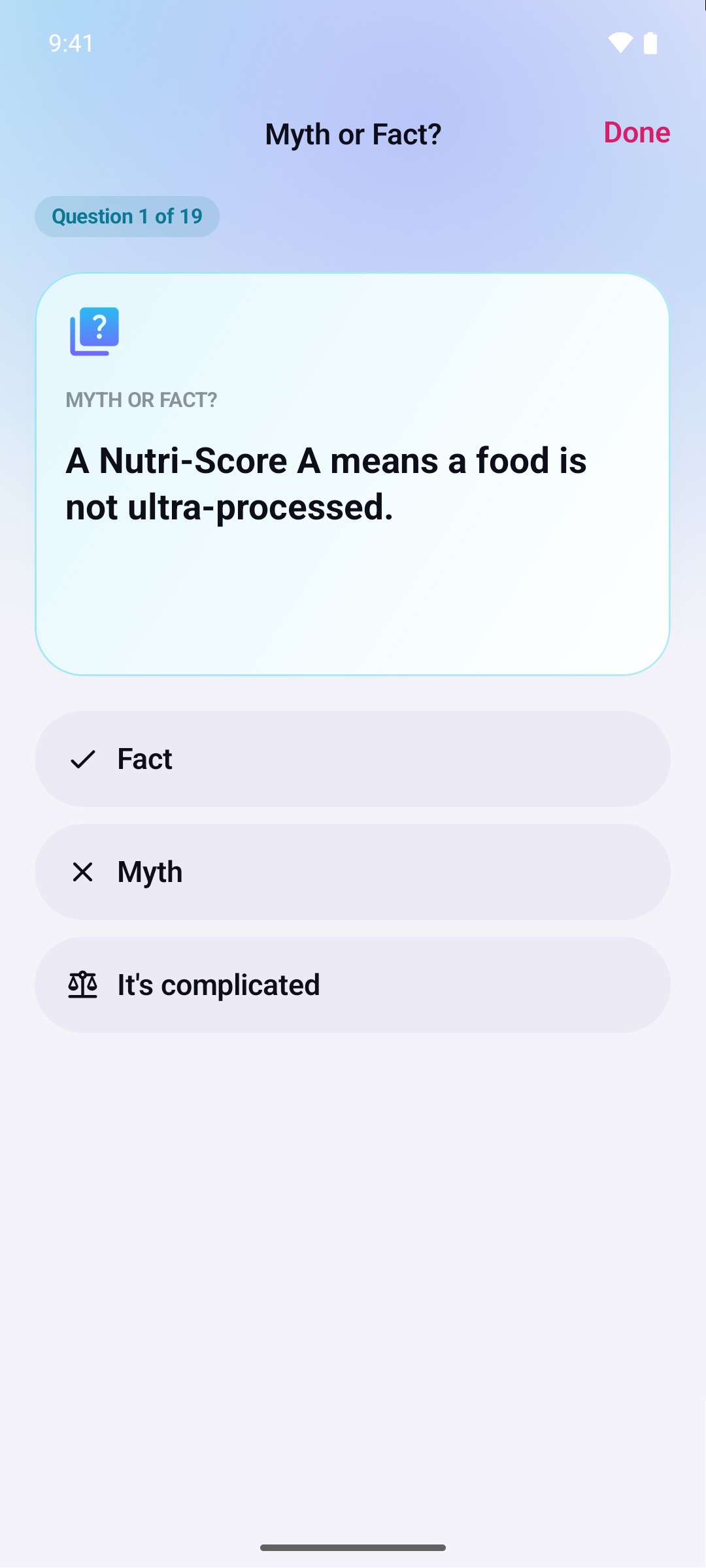
Lab: Myth or fact?1320 × 2868, JPEG, 0.1 MB -
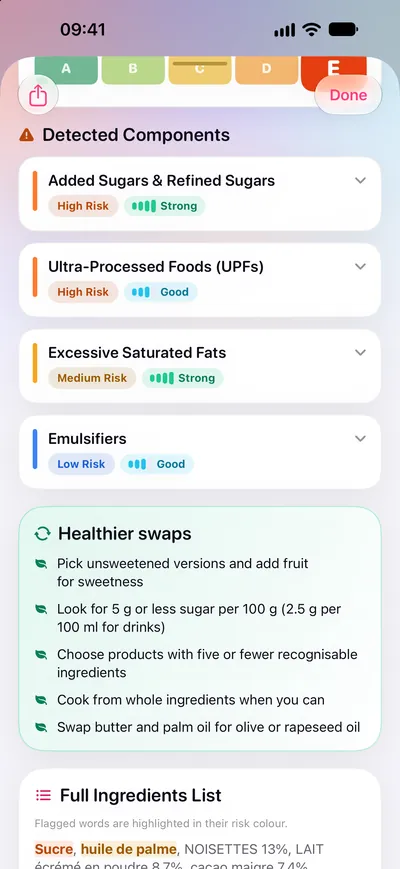
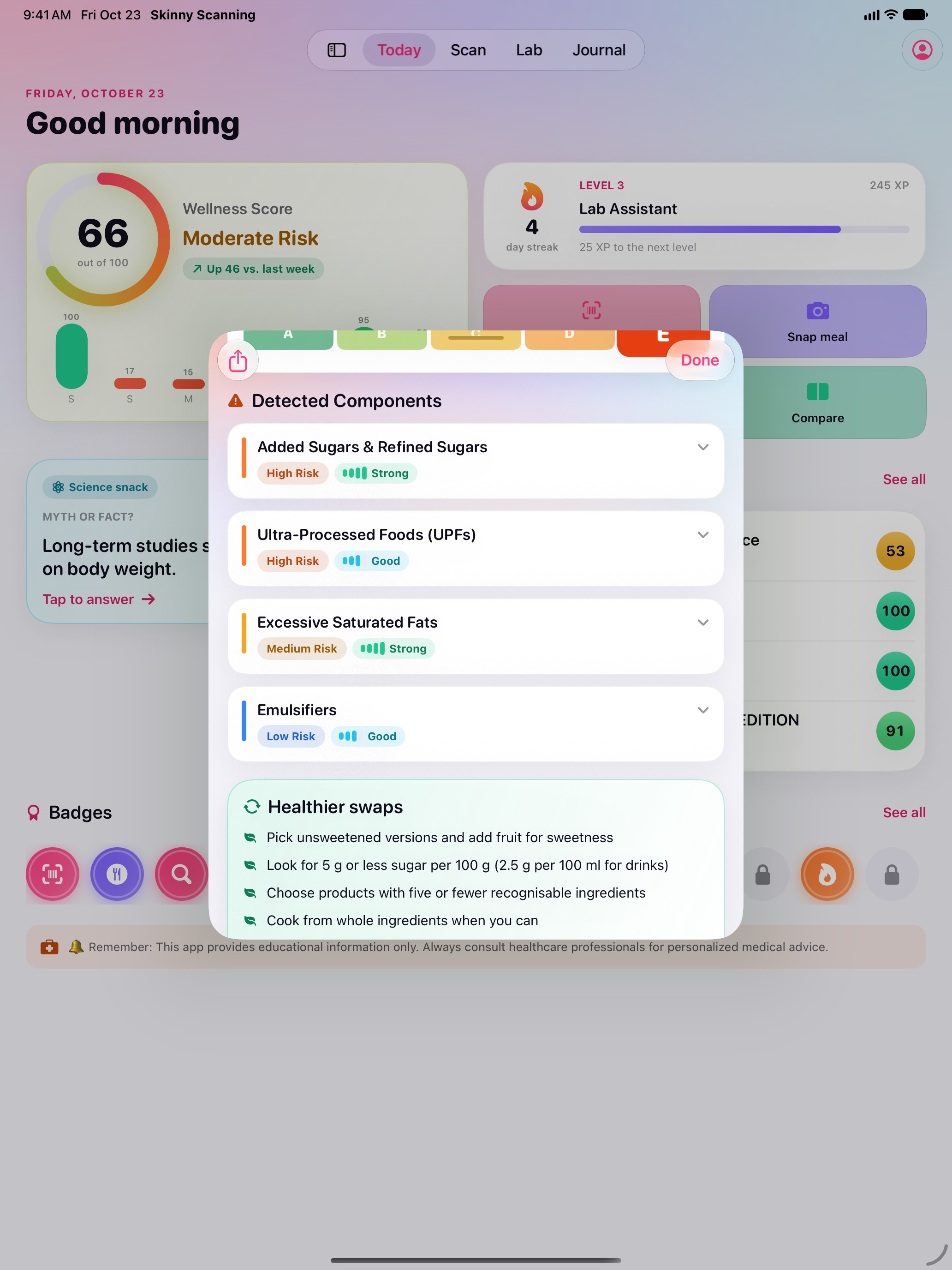
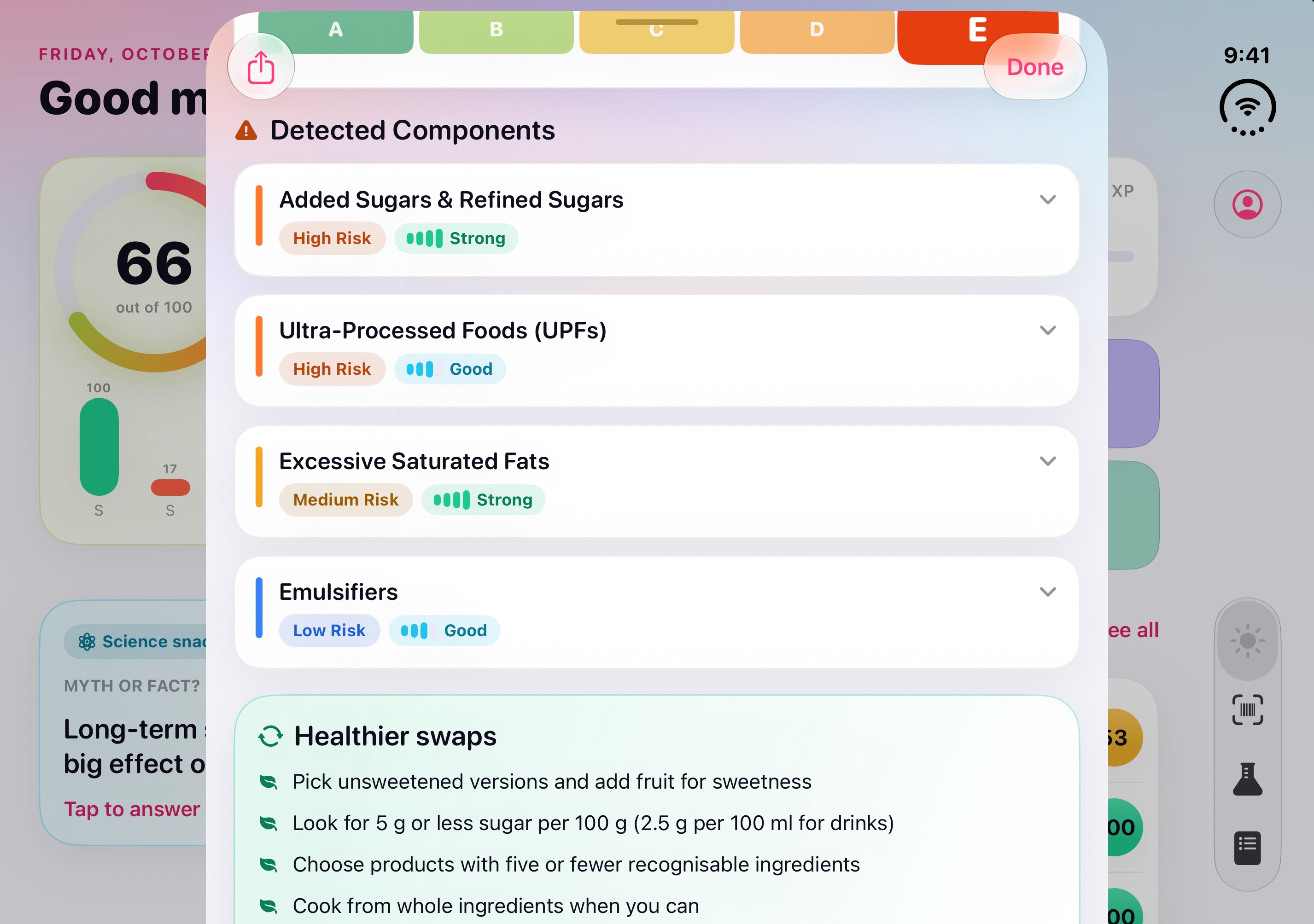
Flagged ingredients and healthier swaps1320 × 2868, JPEG, 0.4 MB -
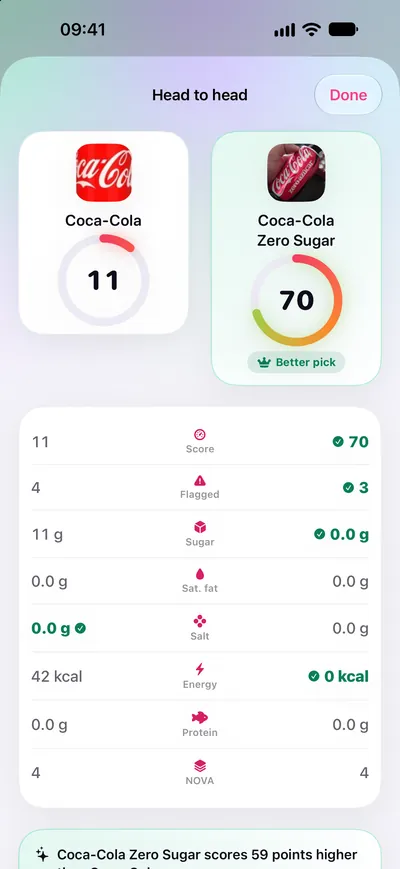
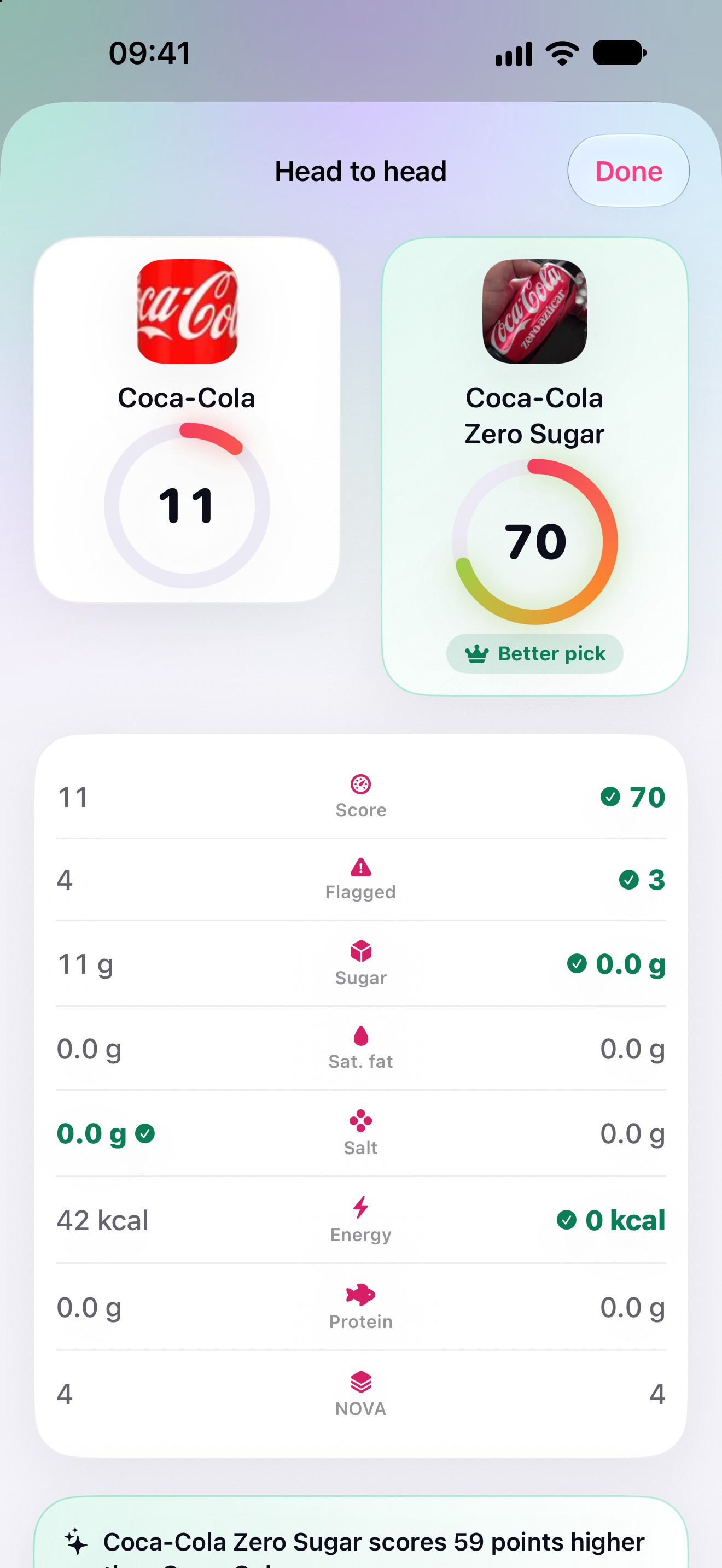
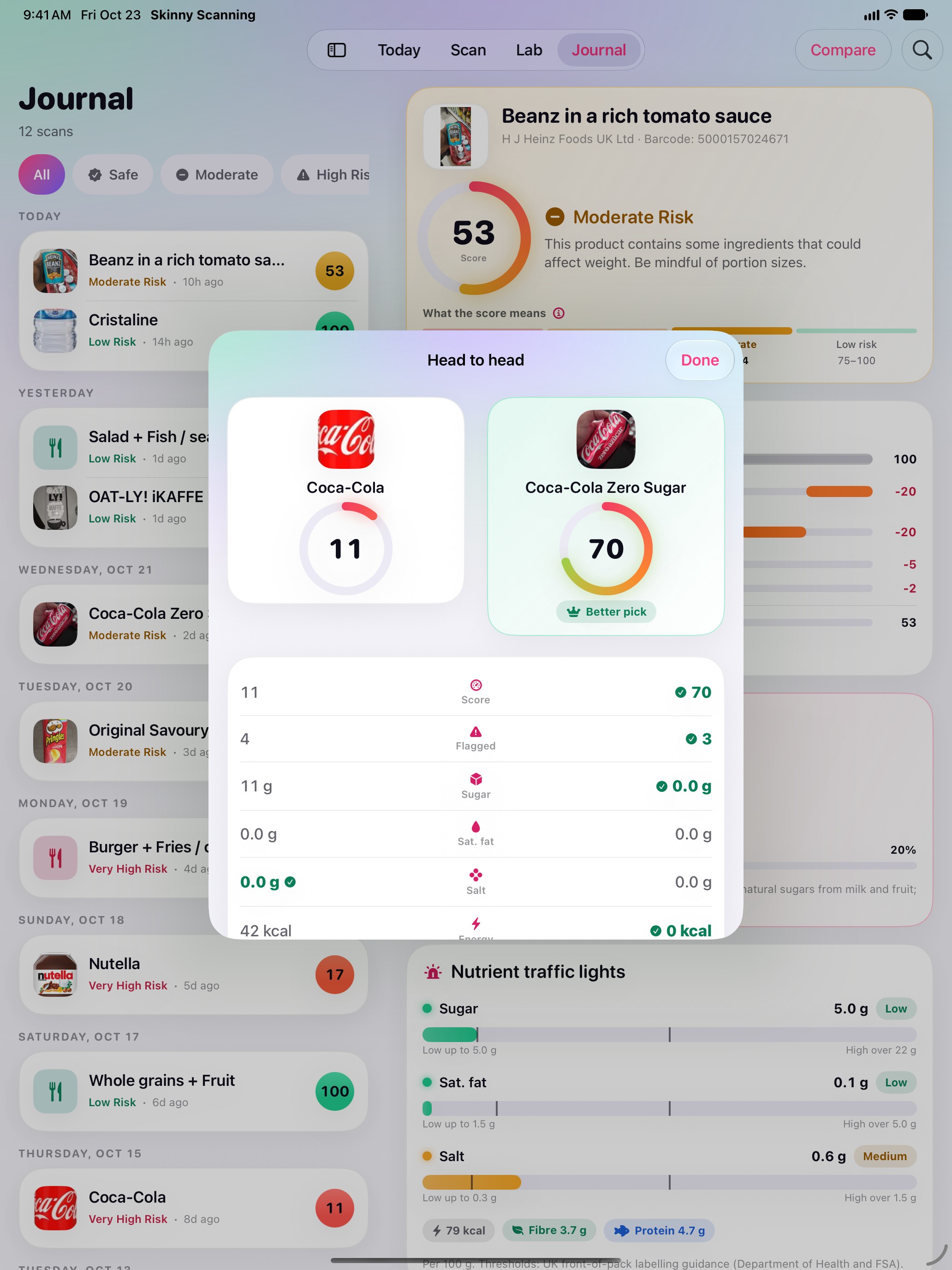
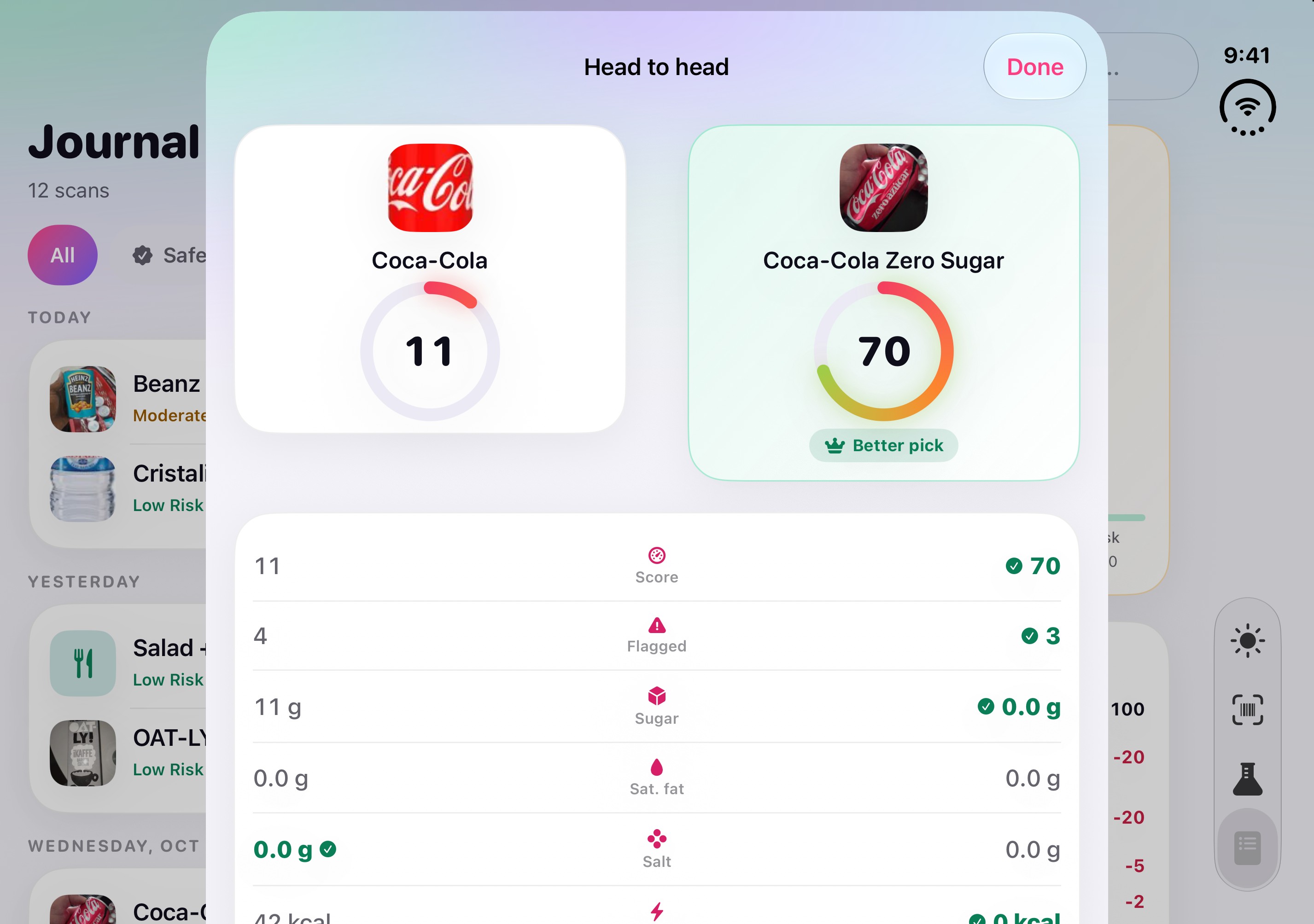
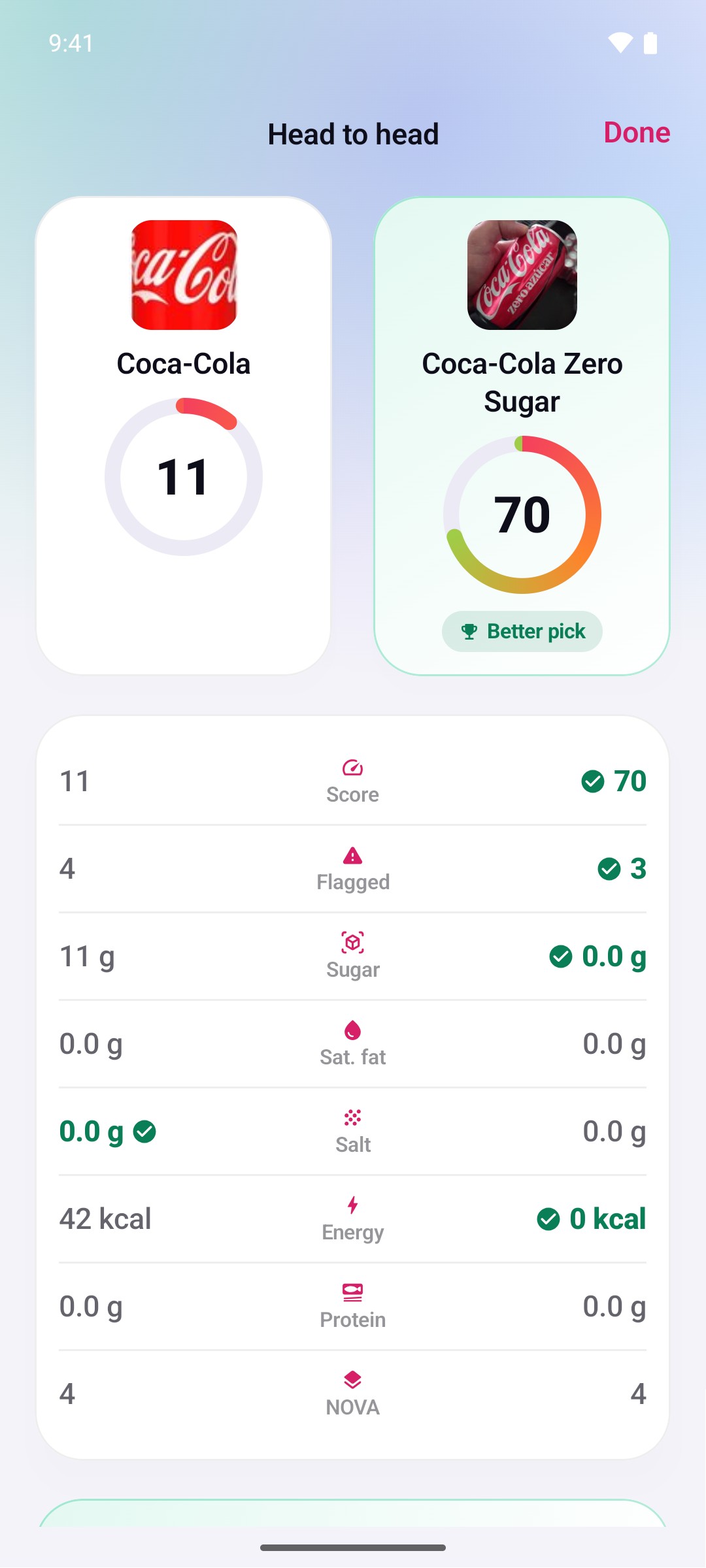
Two products, head to head1320 × 2868, JPEG, 0.3 MB -
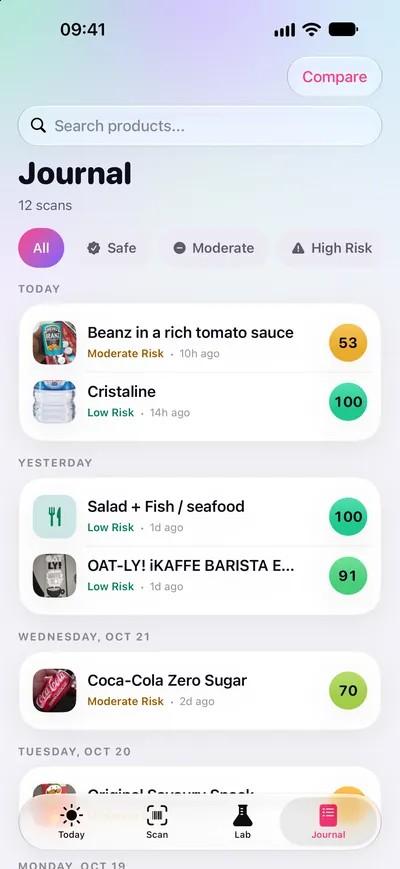
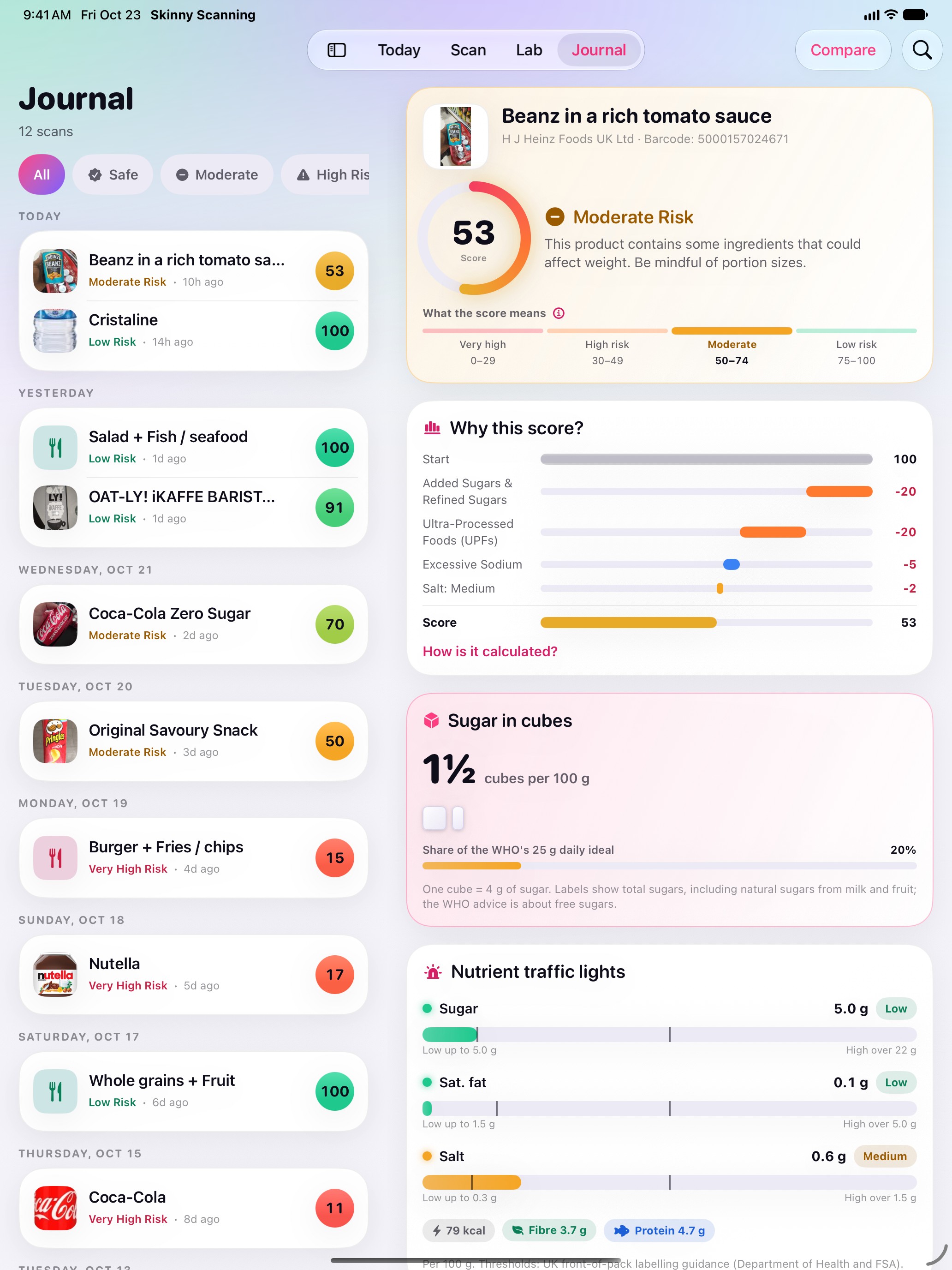
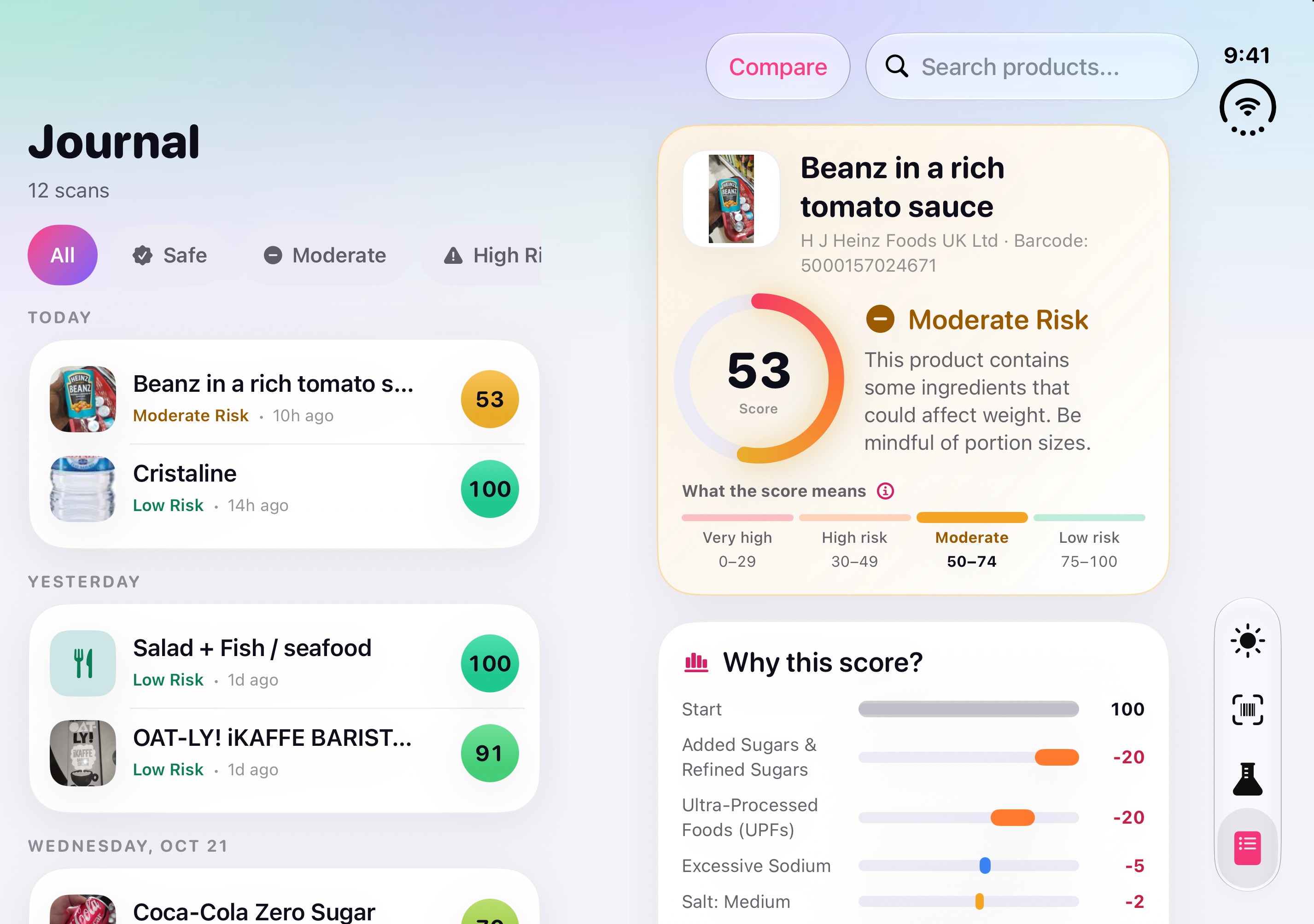
Journal: history and compare1320 × 2868, JPEG, 0.3 MB
iPad
-
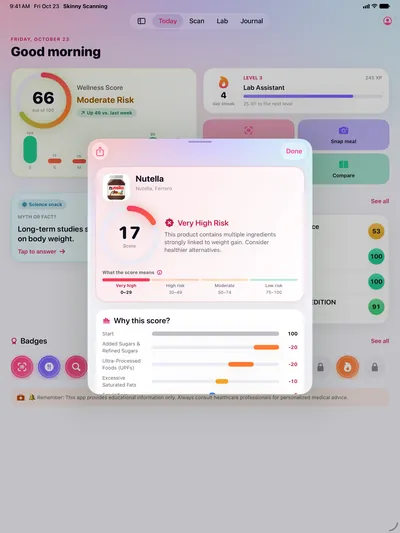
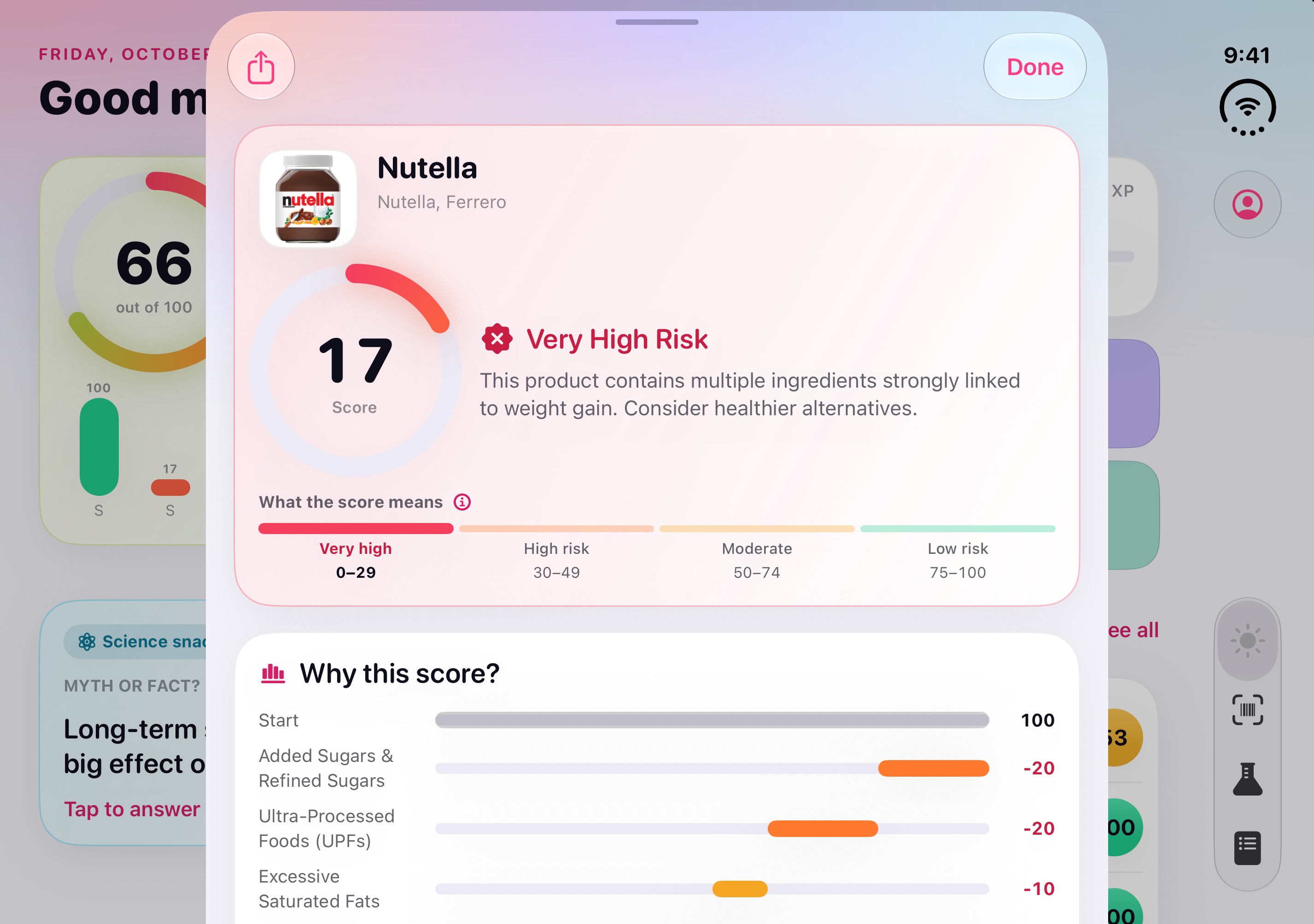
A result, step by step2064 × 2752, JPEG, 0.4 MB -
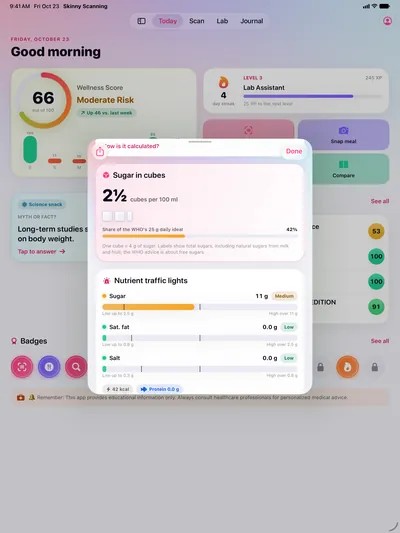
Sugar in cubes, and the traffic lights2064 × 2752, JPEG, 0.4 MB -
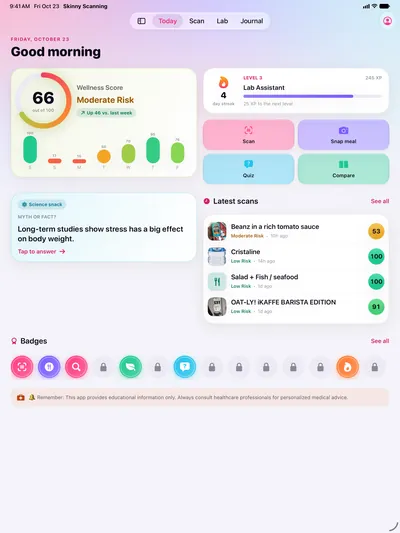
Today: your seven-day score2064 × 2752, JPEG, 0.4 MB -
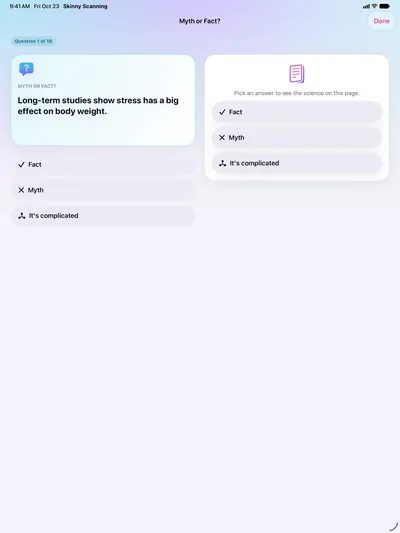
Lab: Myth or fact?2064 × 2752, JPEG, 0.2 MB -
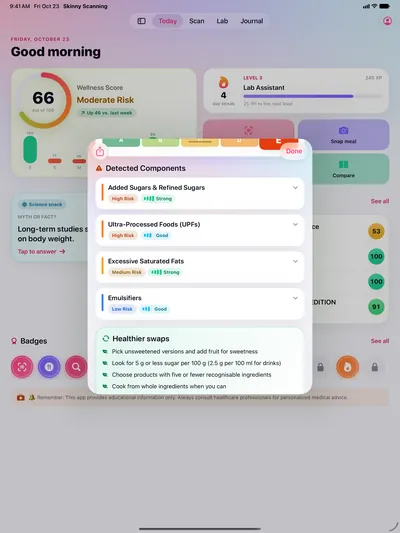
Flagged ingredients and healthier swaps2064 × 2752, JPEG, 0.4 MB -
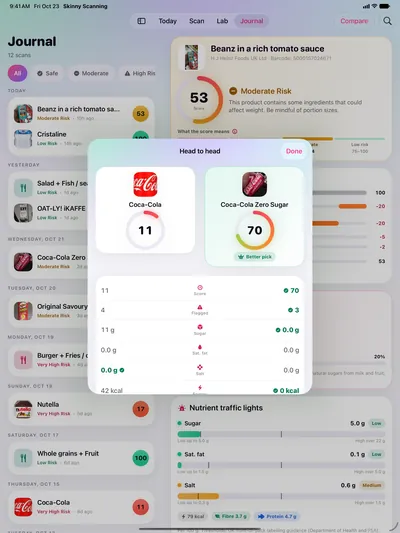
Two products, head to head2064 × 2752, JPEG, 0.5 MB -
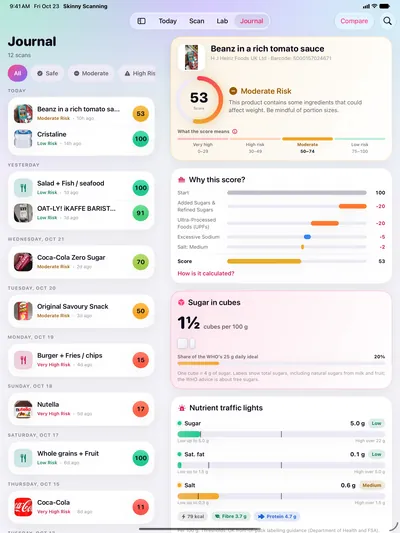
Journal: history and compare2064 × 2752, JPEG, 0.6 MB
iPhone Duo (inner display)
-
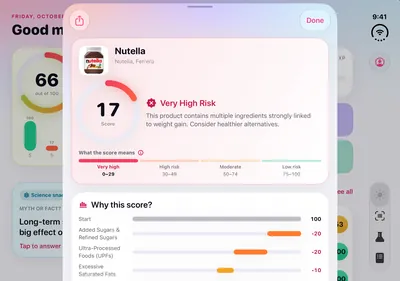
A result, step by step2853 × 2007, JPEG, 0.4 MB -
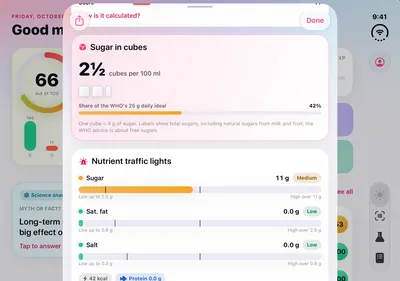
Sugar in cubes, and the traffic lights2853 × 2007, JPEG, 0.4 MB -
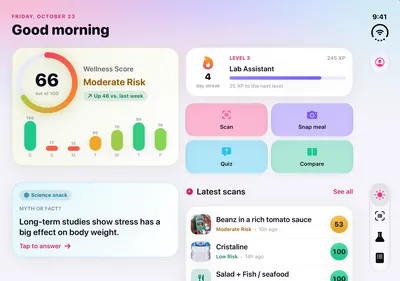
Today: your seven-day score2853 × 2007, JPEG, 0.4 MB -
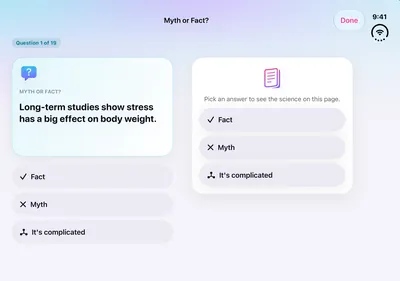
Lab: Myth or fact?2853 × 2007, JPEG, 0.2 MB -
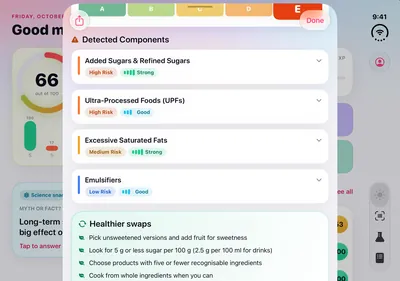
Flagged ingredients and healthier swaps2853 × 2007, JPEG, 0.4 MB -
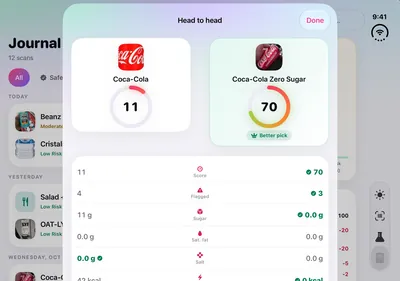
Two products, head to head2853 × 2007, JPEG, 0.3 MB -
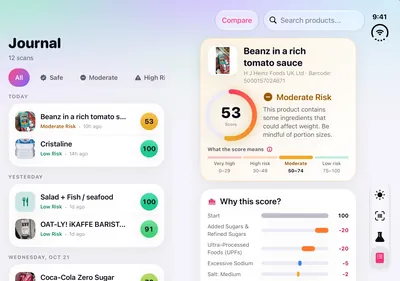
Journal: history and compare2853 × 2007, JPEG, 0.5 MB -
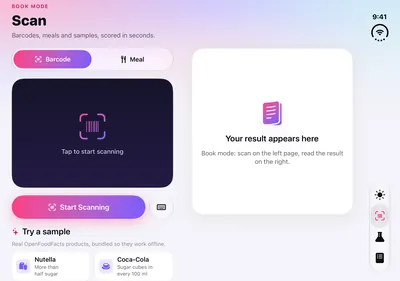
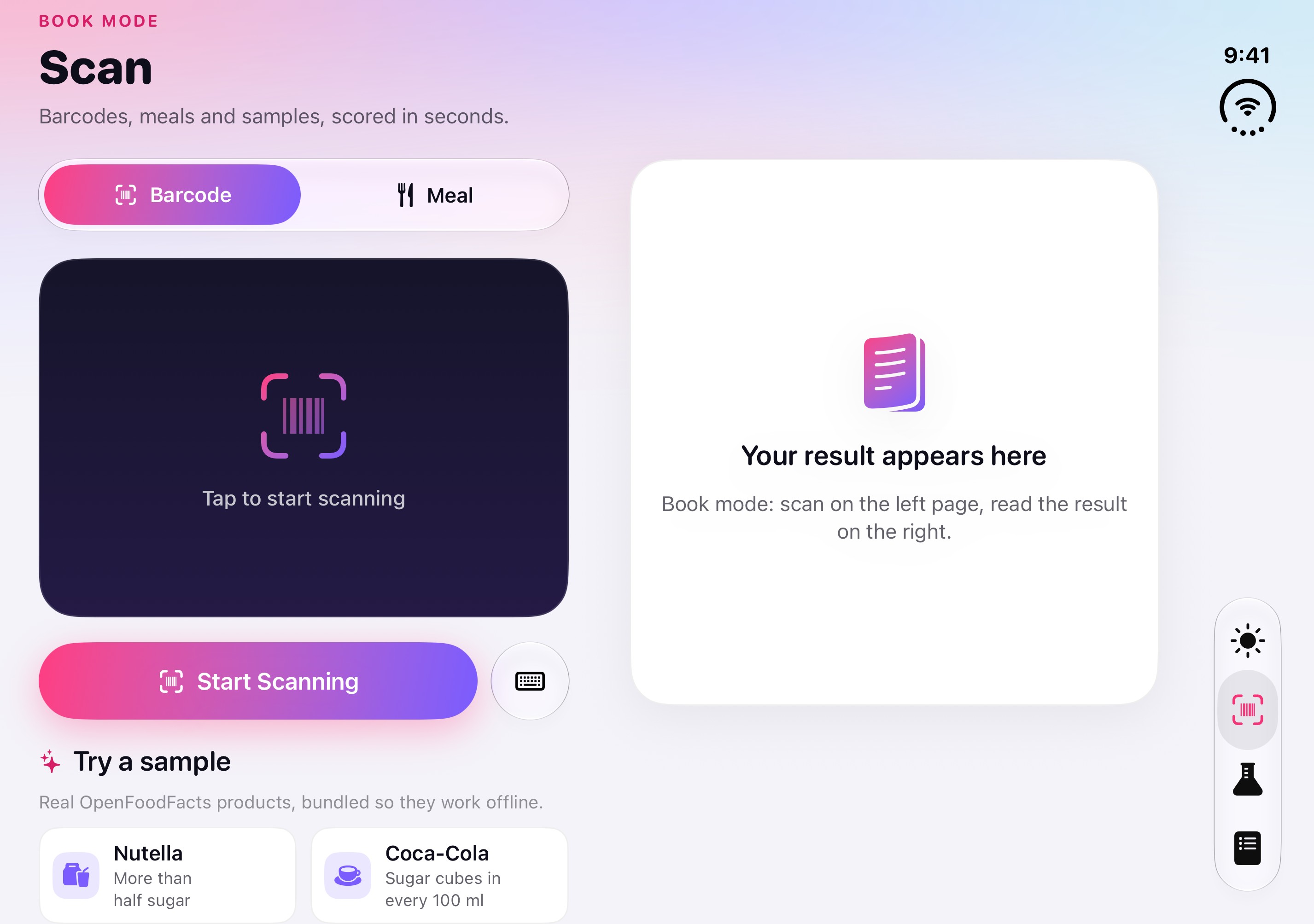
Book mode: the scanner beside the result2853 × 2007, JPEG, 0.3 MB
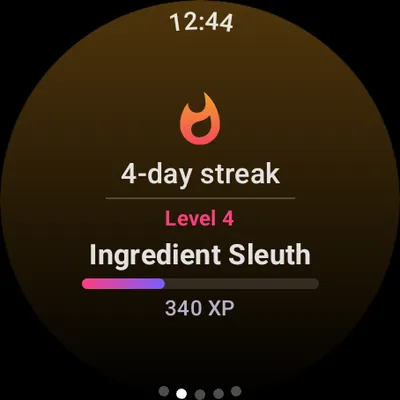
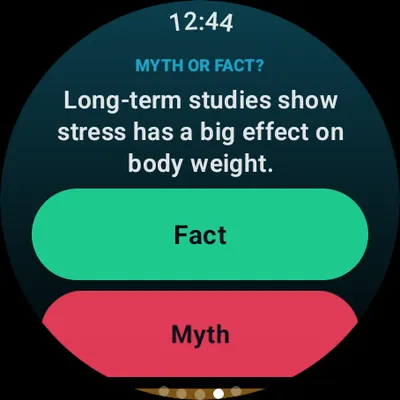
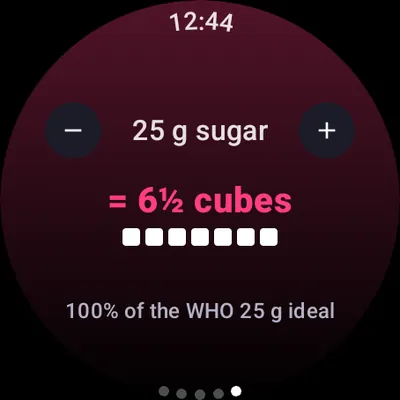
Apple Watch
-
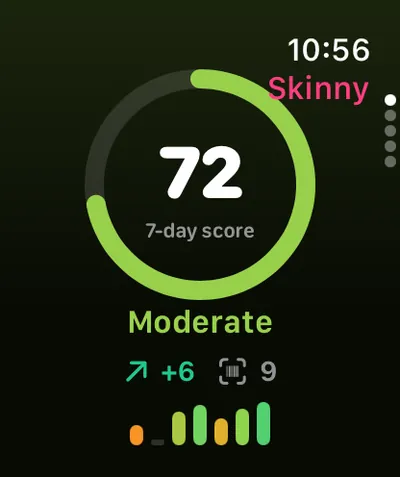
416 × 496, PNG, 43 KB -
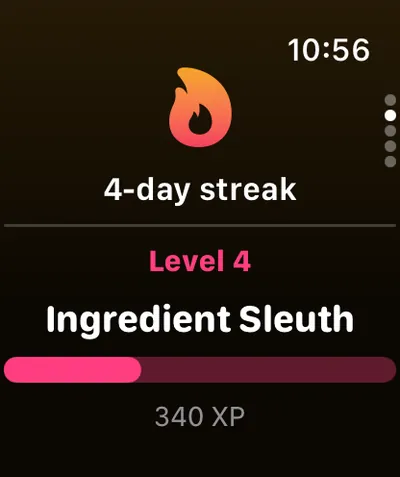
416 × 496, PNG, 40 KB -
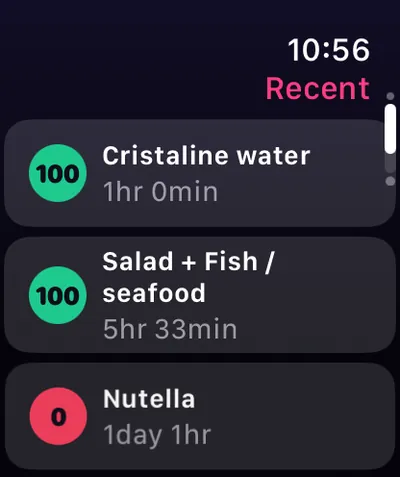
416 × 496, PNG, 55 KB -
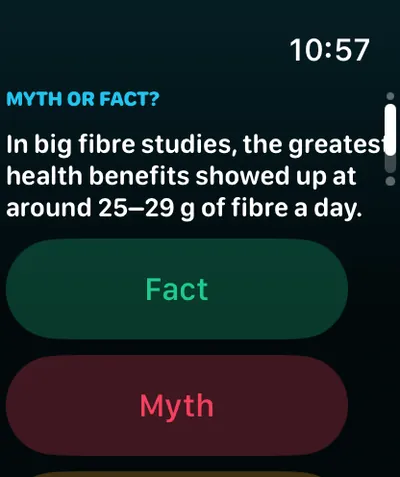
416 × 496, PNG, 55 KB -
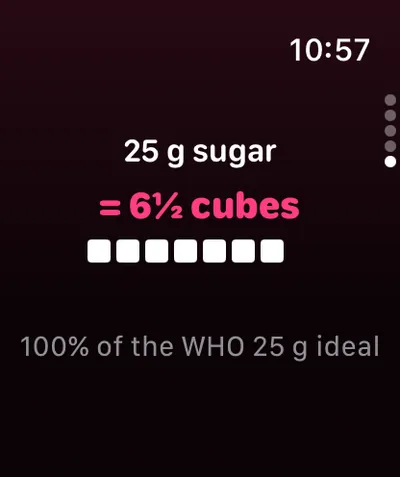
416 × 496, PNG, 36 KB
Android phone (in preparation)
-
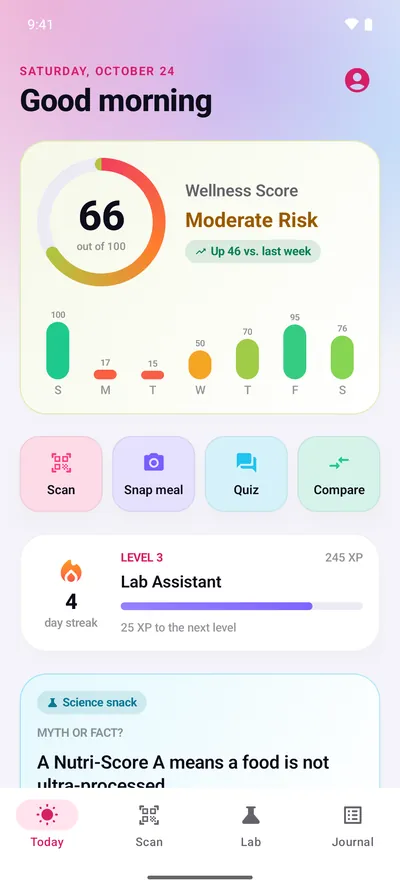
Today: your seven-day score1080 × 2400, JPEG, 0.2 MB -
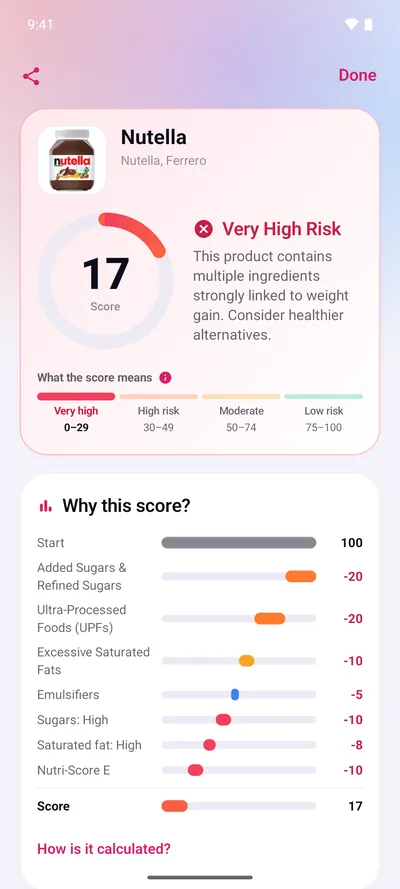
A result, step by step1080 × 2400, JPEG, 0.2 MB -
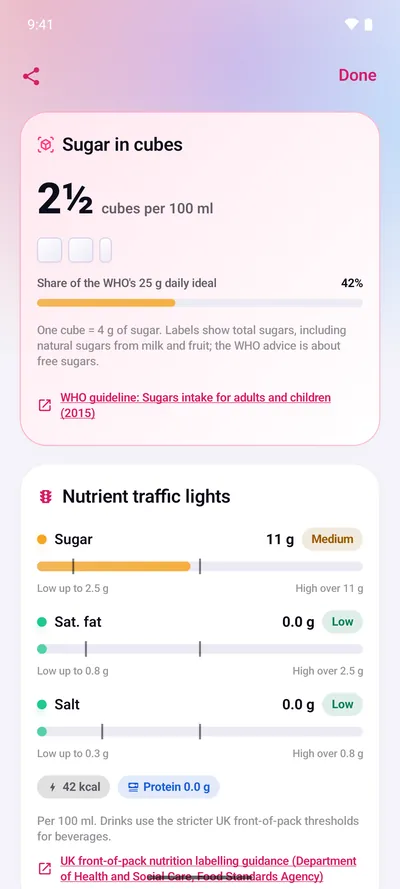
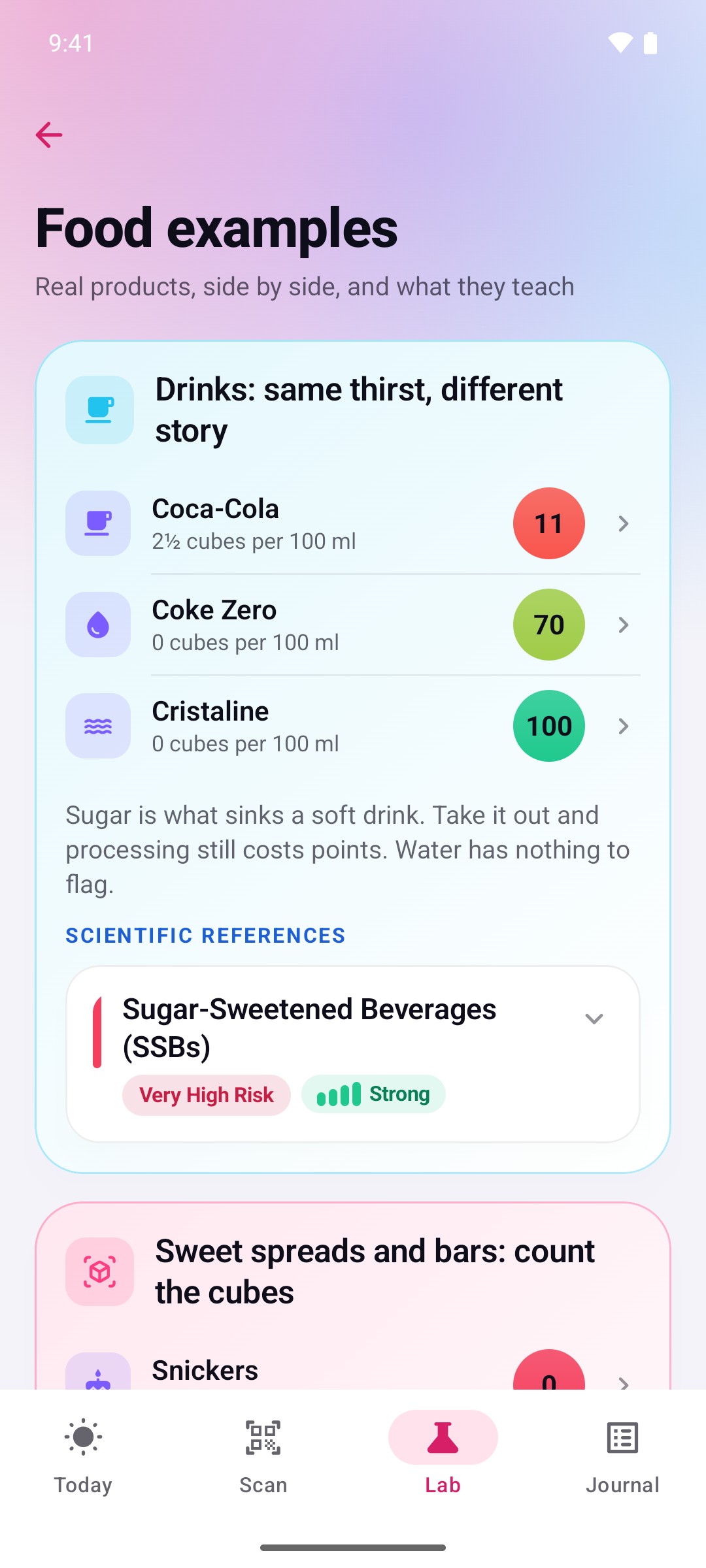
Sugar in cubes, and the traffic lights1080 × 2400, JPEG, 0.2 MB -
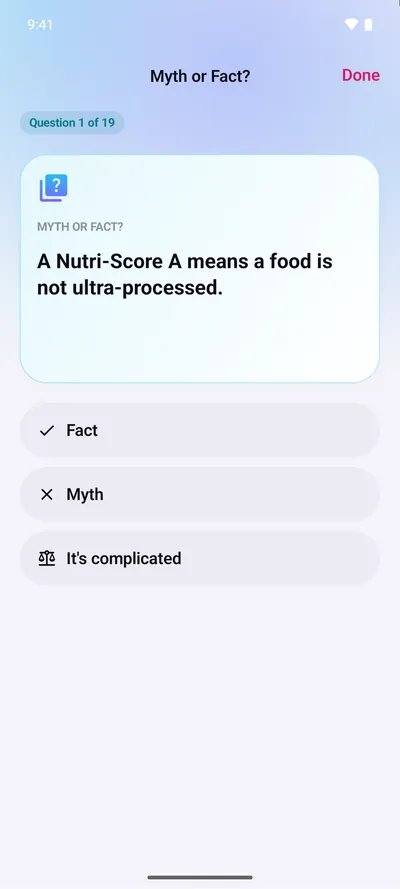
Lab: Myth or fact?1080 × 2400, JPEG, 97 KB -
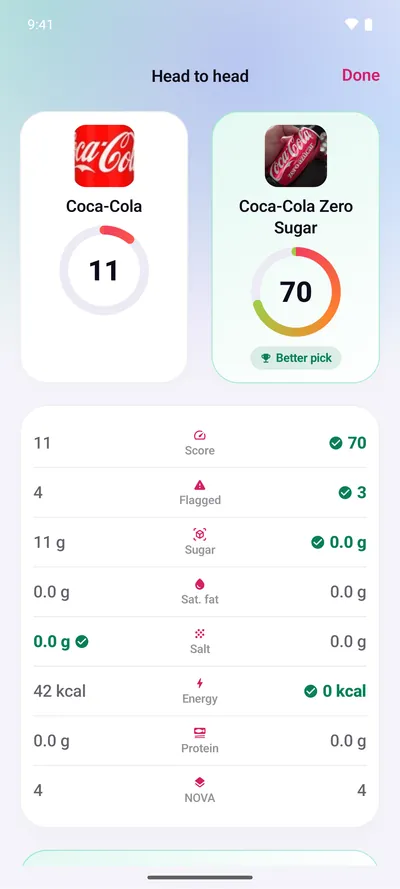
Two products, head to head1080 × 2400, JPEG, 0.2 MB -
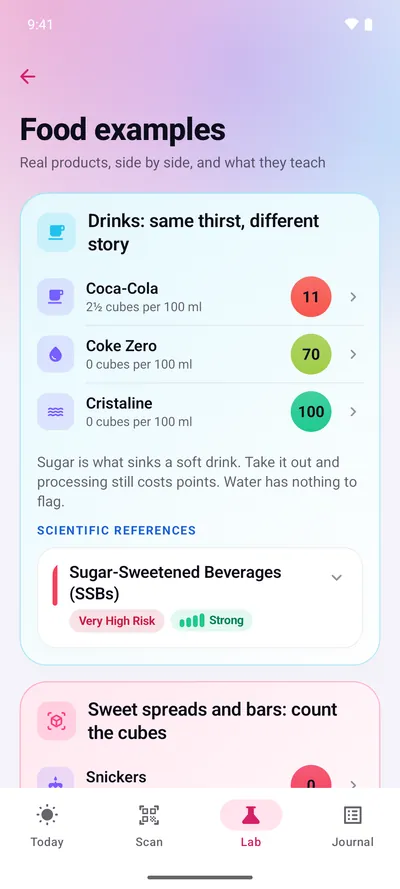
1080 × 2400, JPEG, 0.2 MB
Wear OS (in preparation)
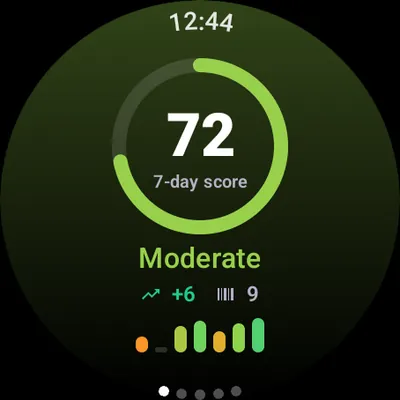
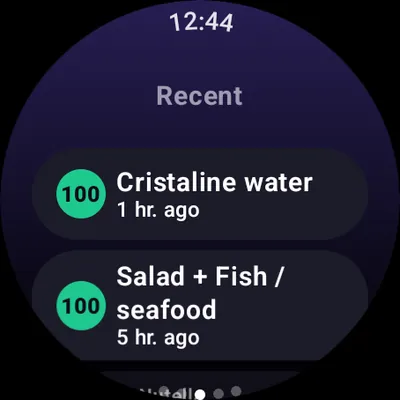
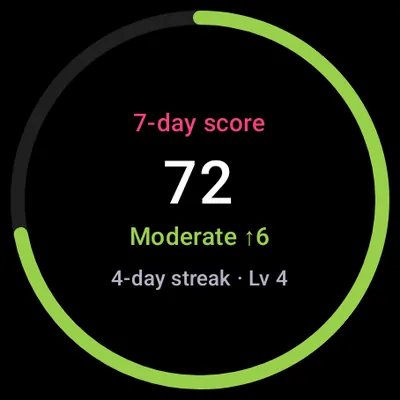
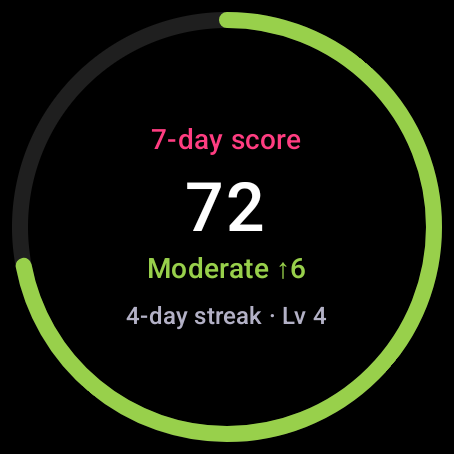
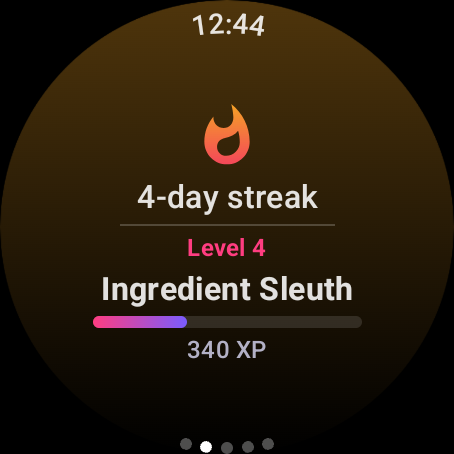
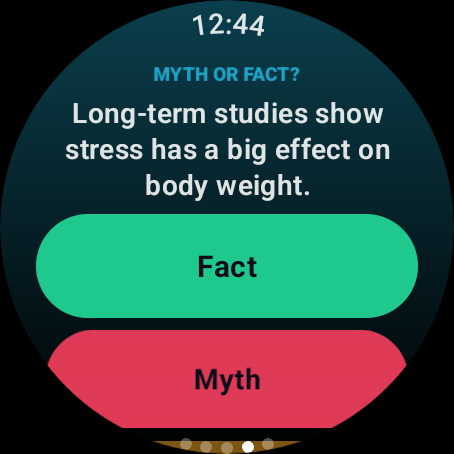
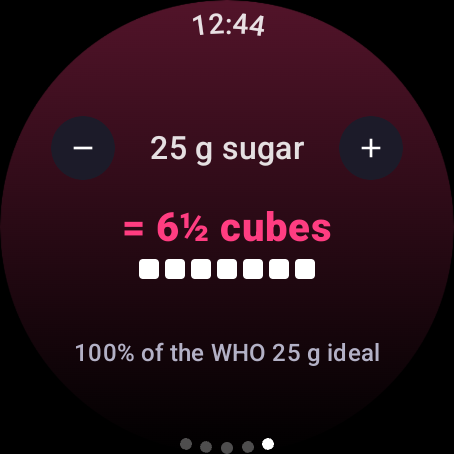
Videos
Silent screen-recording videos of the real app on demo data, rendered by the app's video engine. Each one has a transcript on the Videos page. Please keep the on-screen disclosure when showing them.
-
Meet Skinny Scanning
0:29 · No sound · Scan your food. Understand your choices. Take control.
16:9, MP4, 5.6 MB: Meet Skinny Scanning 9:16, MP4, 5.5 MB: Meet Skinny Scanning Transcript: Meet Skinny Scanning -
They were wrong
0:29 · No sound · Scan your food. Understand your choices. Take control.
16:9, MP4, 4.4 MB: They were wrong 9:16, MP4, 4.4 MB: They were wrong Transcript: They were wrong -
Stop blaming your willpower
0:21 · No sound · Eat with knowledge. Live with freedom.
16:9, MP4, 3.1 MB: Stop blaming your willpower 9:16, MP4, 3.4 MB: Stop blaming your willpower Transcript: Stop blaming your willpower -
Your eyes see food
0:24 · No sound · Scan your food. Understand your choices. Take control.
16:9, MP4, 3.7 MB: Your eyes see food 9:16, MP4, 4.0 MB: Your eyes see food Transcript: Your eyes see food -
Knowing more
0:25 · No sound · Eat with knowledge. Live with freedom.
16:9, MP4, 4.0 MB: Knowing more 9:16, MP4, 4.2 MB: Knowing more Transcript: Knowing more -
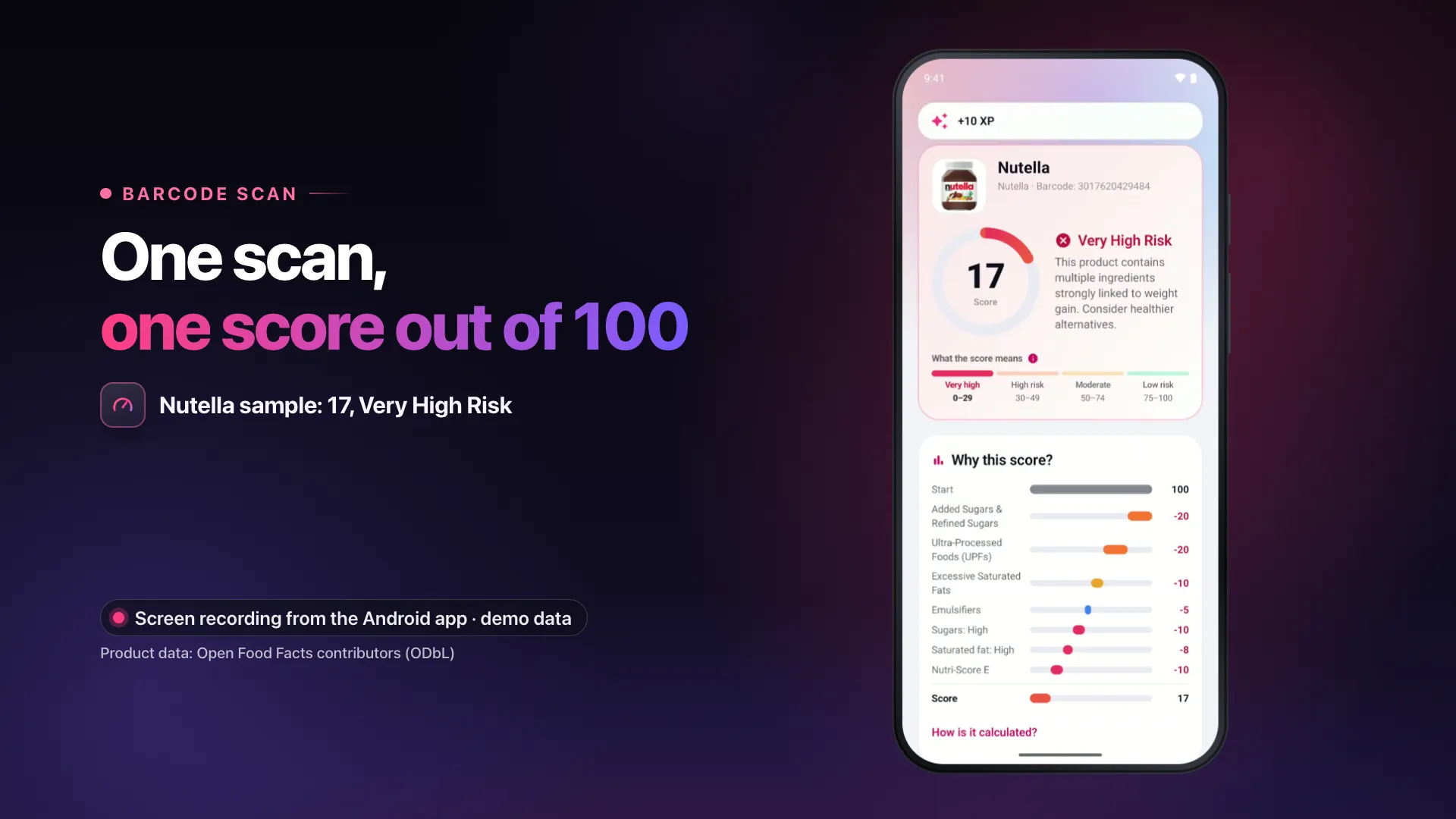
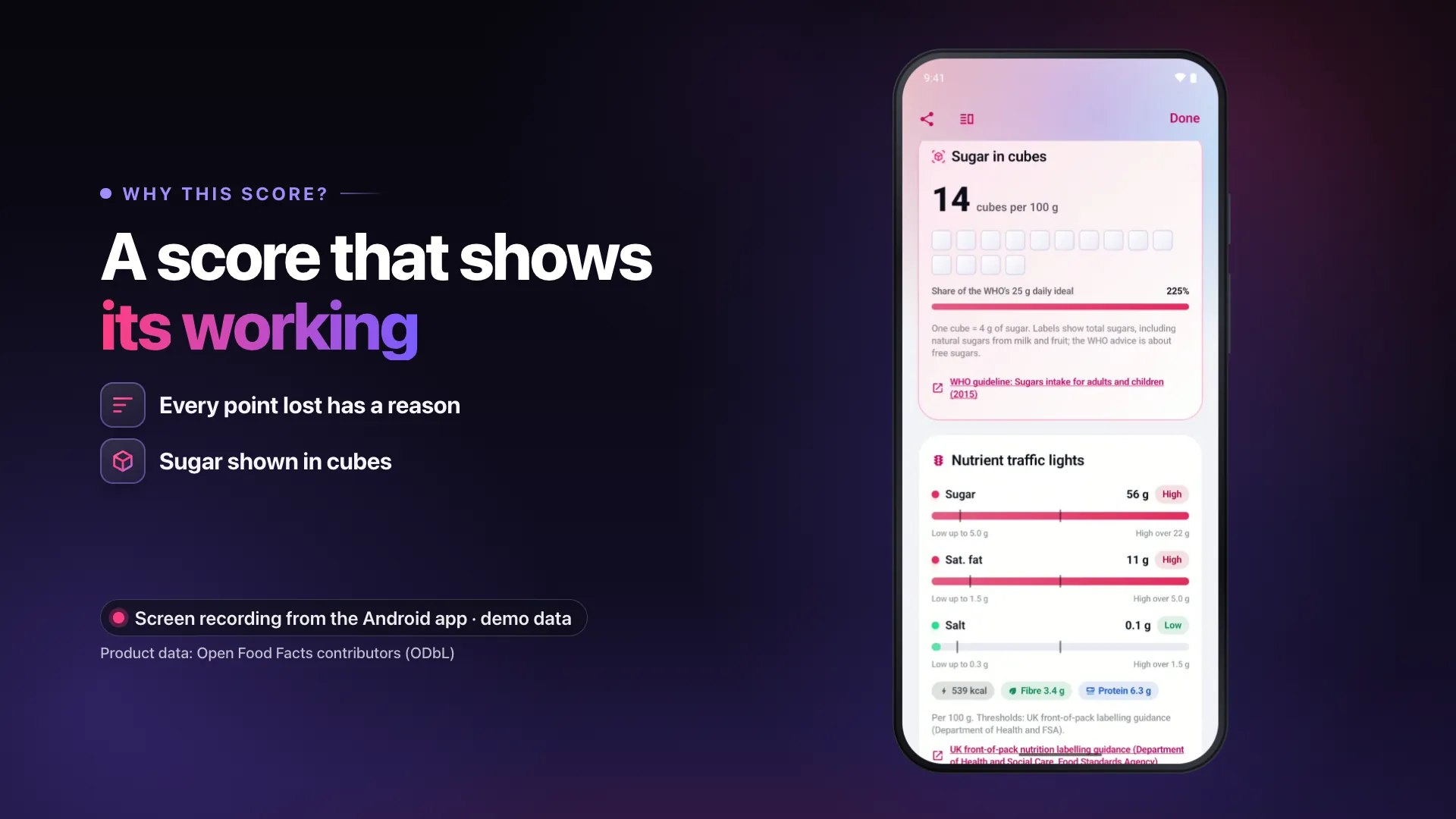
Scores that show their working
0:28 · No sound · A Wellness Score out of 100, the points it lost and the evidence behind each flag
16:9, MP4, 5.3 MB: Scores that show their working 9:16, MP4, 5.3 MB: Scores that show their working Transcript: Scores that show their working -
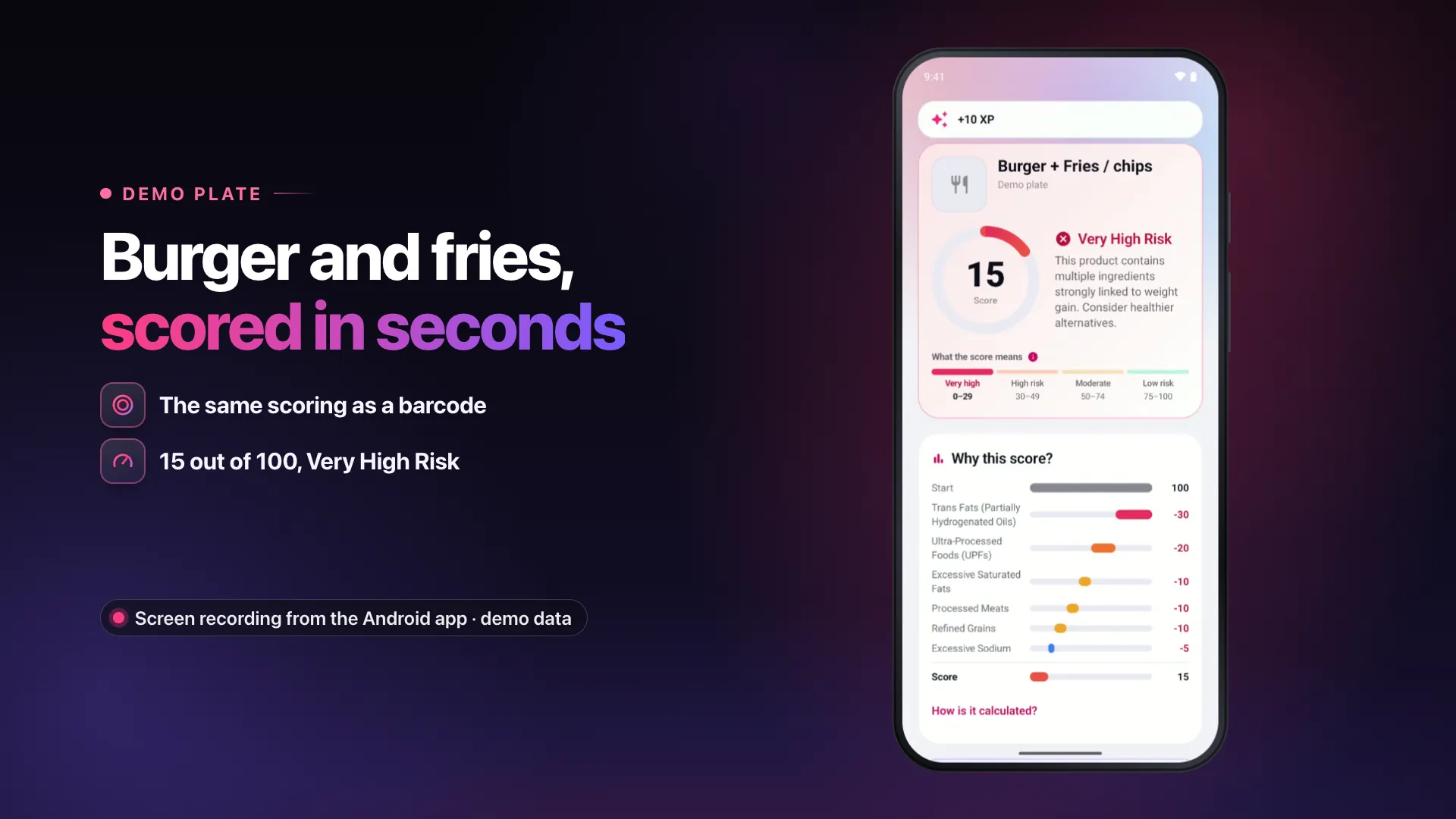
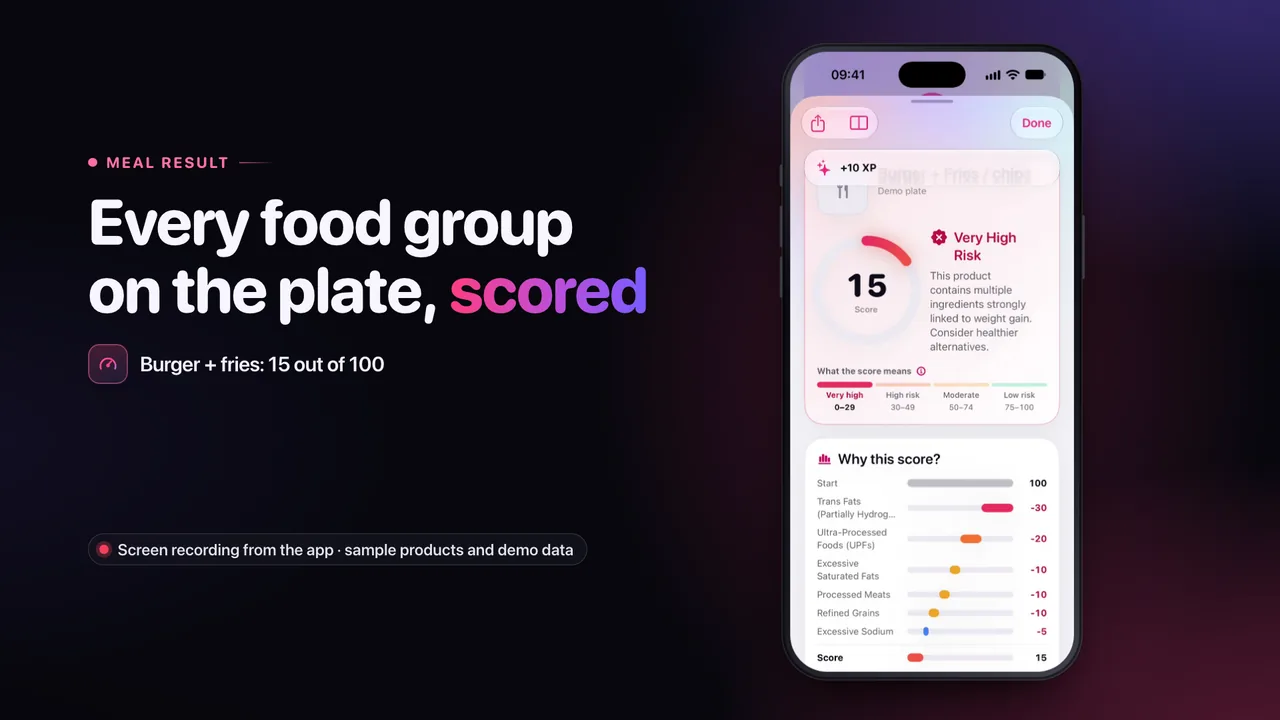
Meal photos: food groups, not calories
0:24 · No sound · Recognised on your phone, scored like a barcode, honest about what a photo can’t see
16:9, MP4, 4.6 MB: Meal photos: food groups, not calories 9:16, MP4, 4.6 MB: Meal photos: food groups, not calories Transcript: Meal photos: food groups, not calories -
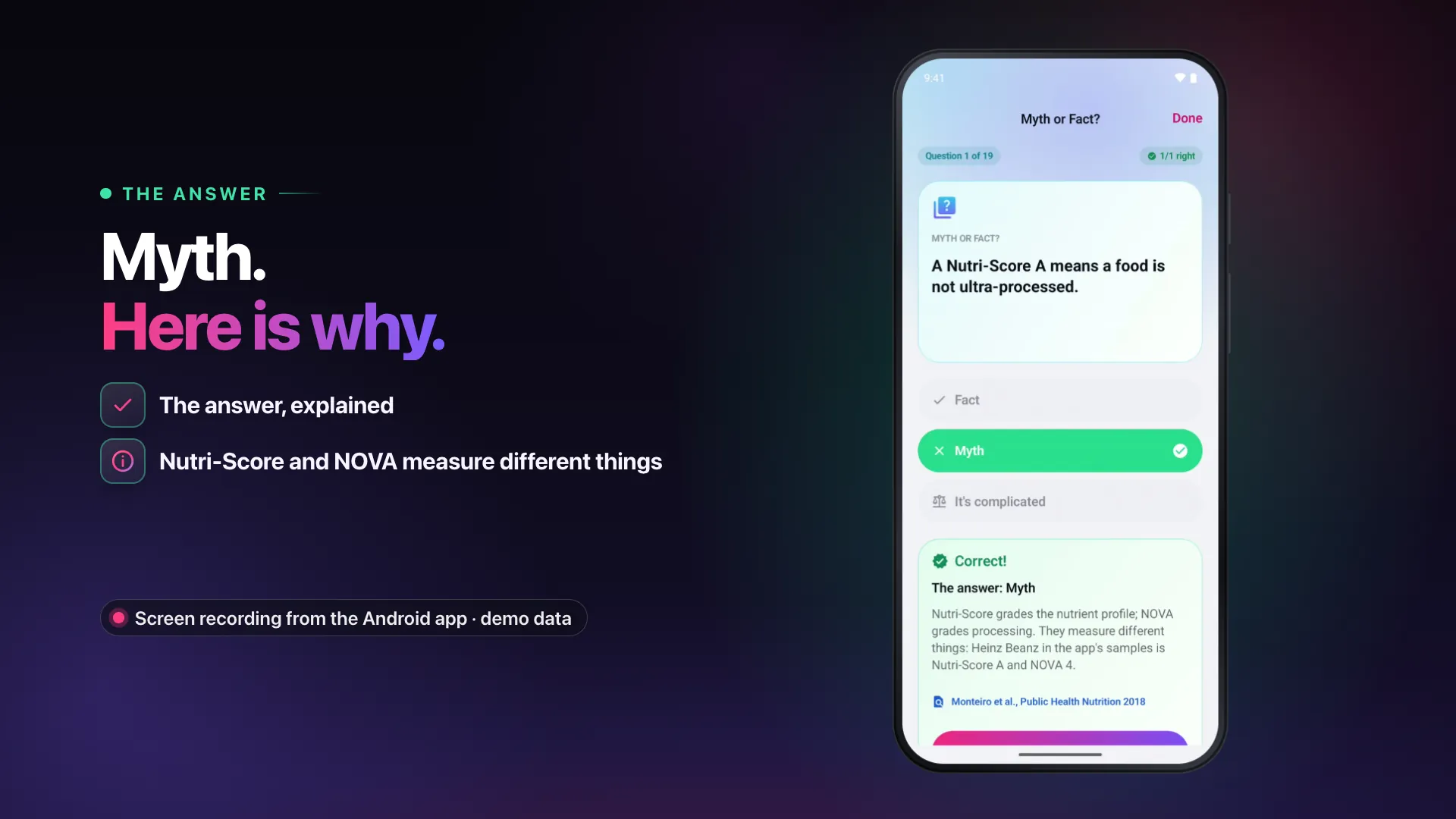
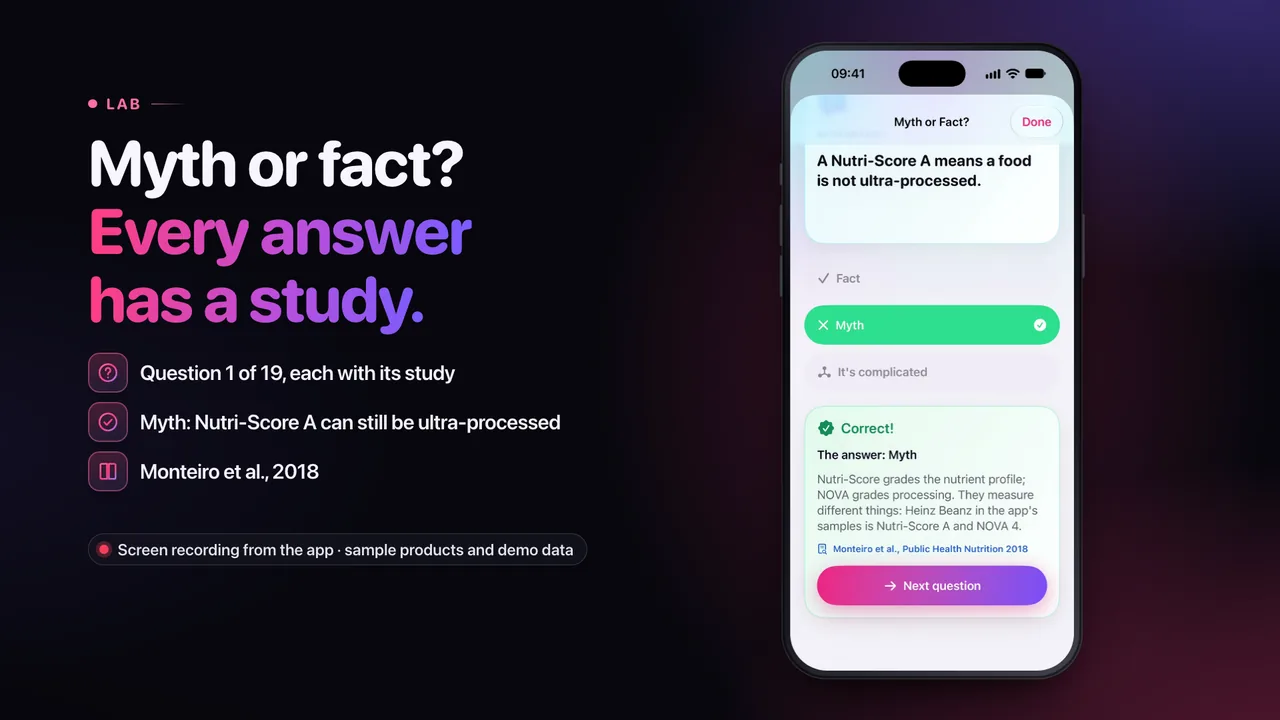
Myth or Fact, with sources
0:24 · No sound · A nutrition quiz where every answer comes with the study behind it
16:9, MP4, 4.1 MB: Myth or Fact, with sources 9:16, MP4, 4.3 MB: Myth or Fact, with sources Transcript: Myth or Fact, with sources -
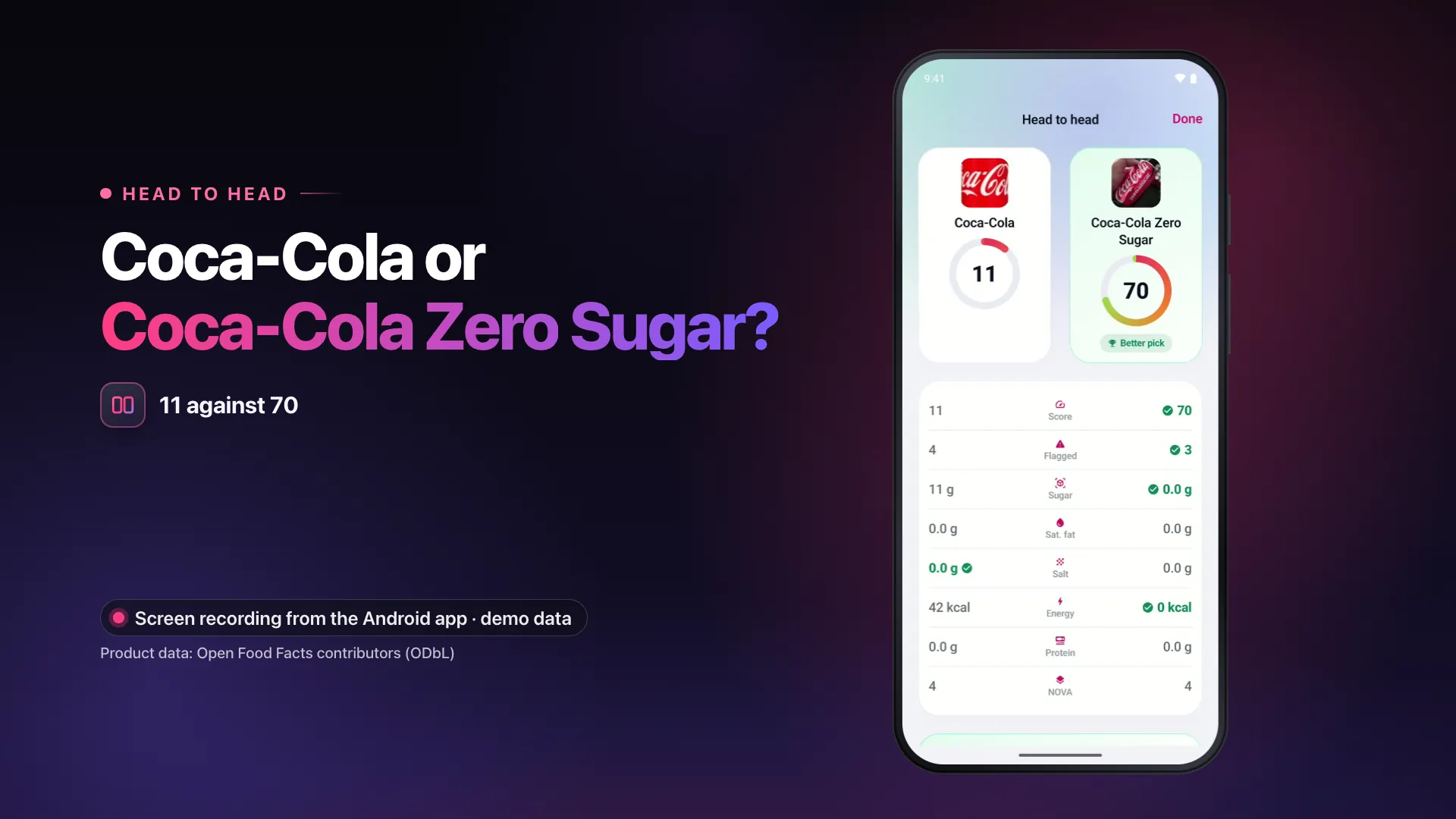
Head to head
0:24 · No sound · Compare two products line by line and see which is the better pick
16:9, MP4, 4.3 MB: Head to head 9:16, MP4, 4.3 MB: Head to head Transcript: Head to head -
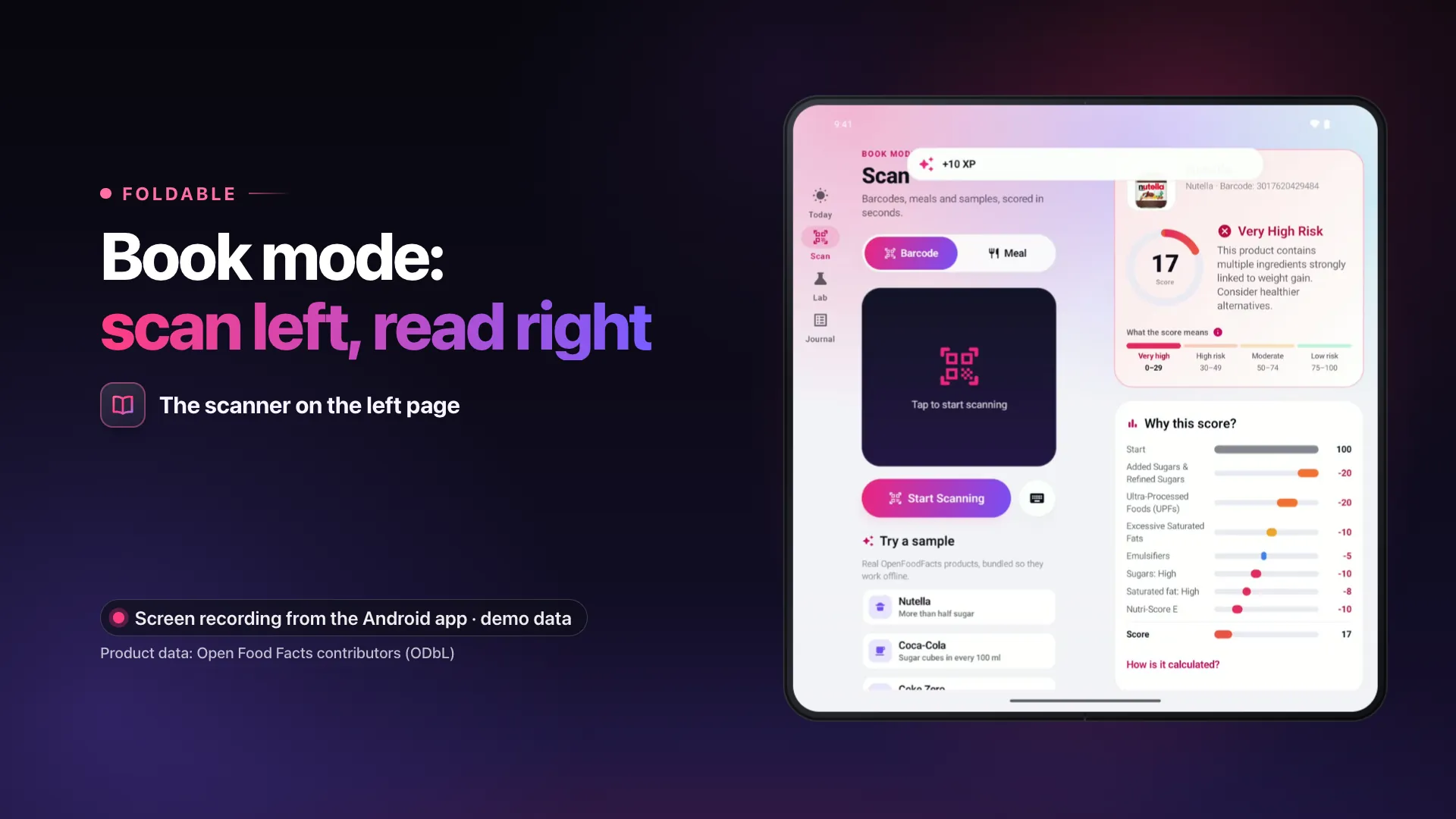
Tablets and foldables
0:25 · No sound · Two panes on a tablet, book mode on a foldable: the same app, laid out for the screen
16:9, MP4, 4.6 MB: Tablets and foldables 9:16, MP4, 5.0 MB: Tablets and foldables Transcript: Tablets and foldables -
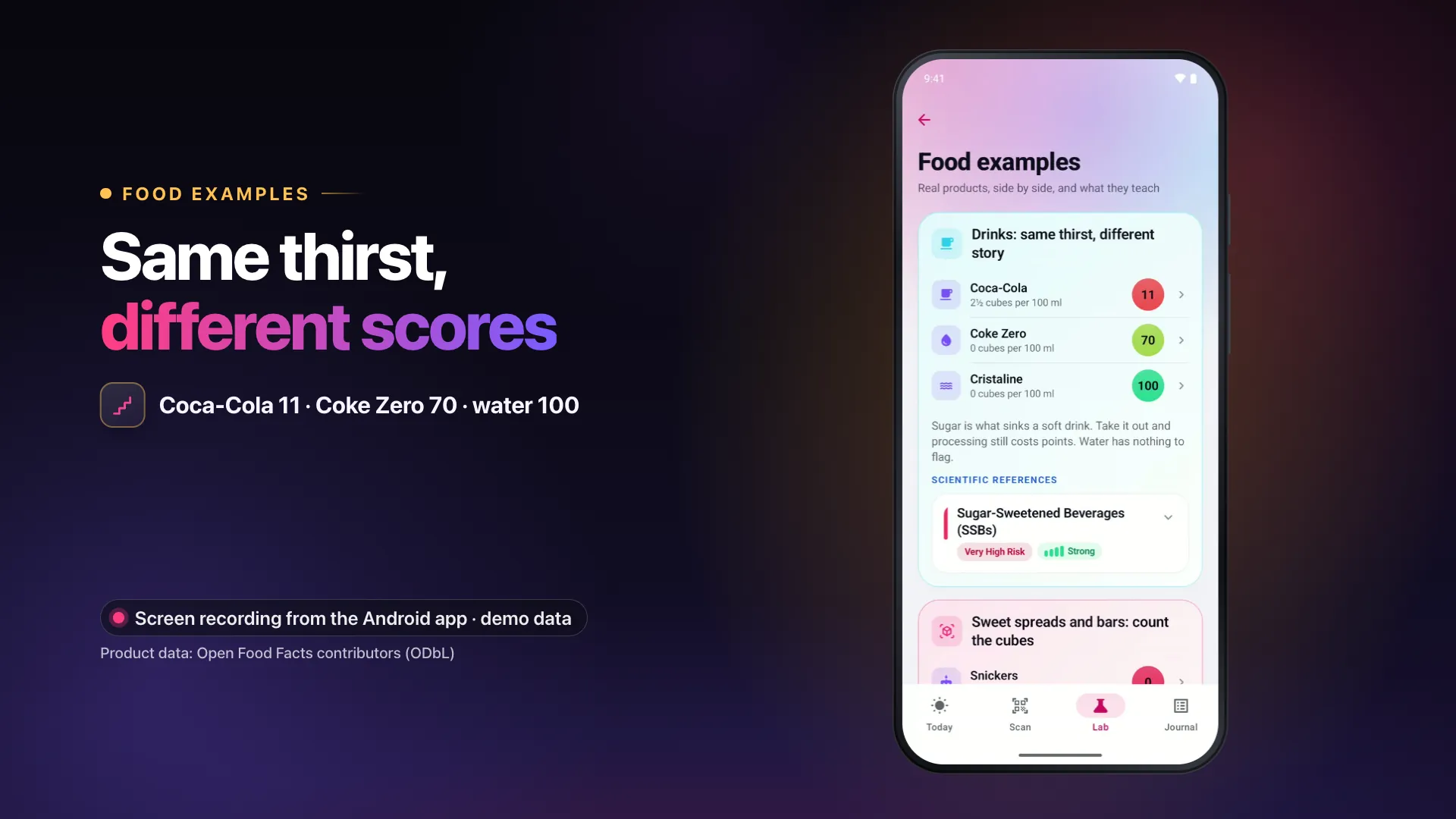
Food examples
0:19 · No sound · What real products teach about the score: three drinks, one lesson
16:9, MP4, 3.7 MB: Food examples 9:16, MP4, 3.7 MB: Food examples Transcript: Food examples -
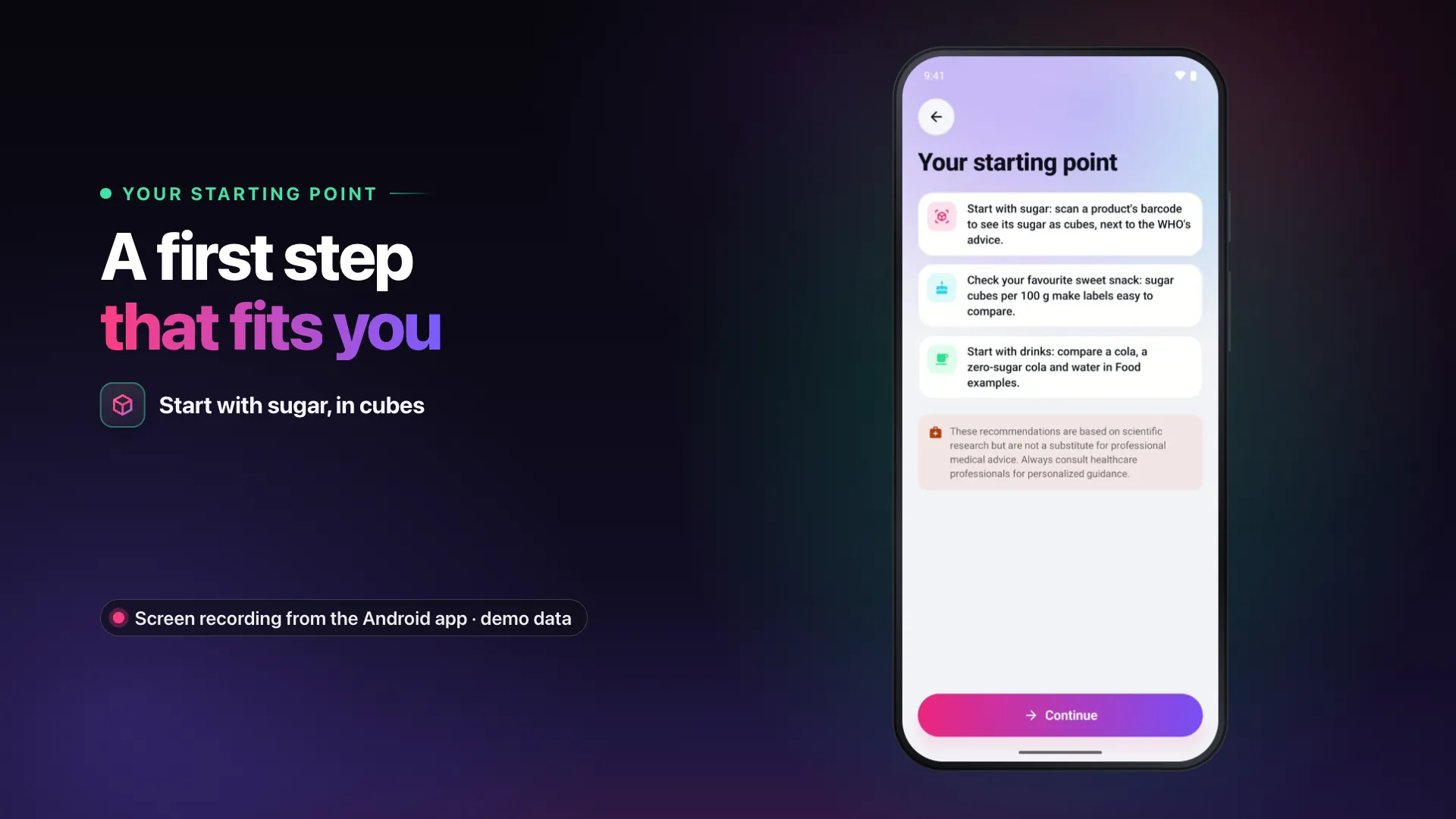
Your starting point
0:24 · No sound · Three quick rounds at the start, answers kept on your phone, and a first step that fits you
16:9, MP4, 3.9 MB: Your starting point 9:16, MP4, 3.9 MB: Your starting point Transcript: Your starting point
Also with their own videos: Español, Deutsch, Français, Italiano.
Wording notes
- Skinny Scanning is educational information, not medical advice. Please do not present it as a weight-loss app or promise results: it shows what research links to weight gain, and people make their own choices.
- It is not a calorie counter, and it does not estimate calories from photos: a meal photo gives the food groups the phone recognises.
- Please do not call it a free app: it is a subscription with a 3-day free trial.
- Screenshots and videos show demo data (sample products), not a real person's history.
- Studies: the app says which ones were done in animals and which ones found no effect; please keep those qualifiers when quoting them.
- The name is written in two words: Skinny Scanning.
Contact
LyteFast LYTEFAST 60 rue François Ier 75008 Paris, France support@skinnyscanning.comThey told you losing weight was all about willpower.
They were wrong.
You can’t change what you don’t understand.
Stop guessing what you eat. Start seeing it.
- Stop blaming your willpower. Start understanding your food.
- Every food has a story. One barcode scan reveals the numbers.
- You’ve tried eating less. You’ve tried harder. But have you ever really looked at what you’re eating?
- What if the secret to eating better isn’t eating less, but knowing more?
- Your eyes see food. Skinny Scanning sees what’s in it.
Eat with knowledge. Live with freedom.
Skinny Scanning — Scan your food. Understand your choices. Take control.
Watch the films · Download on the App Store · SkinnyScanning.com